Desktop & focus
Drawquarium low FPS and stutter: the settings worth changing
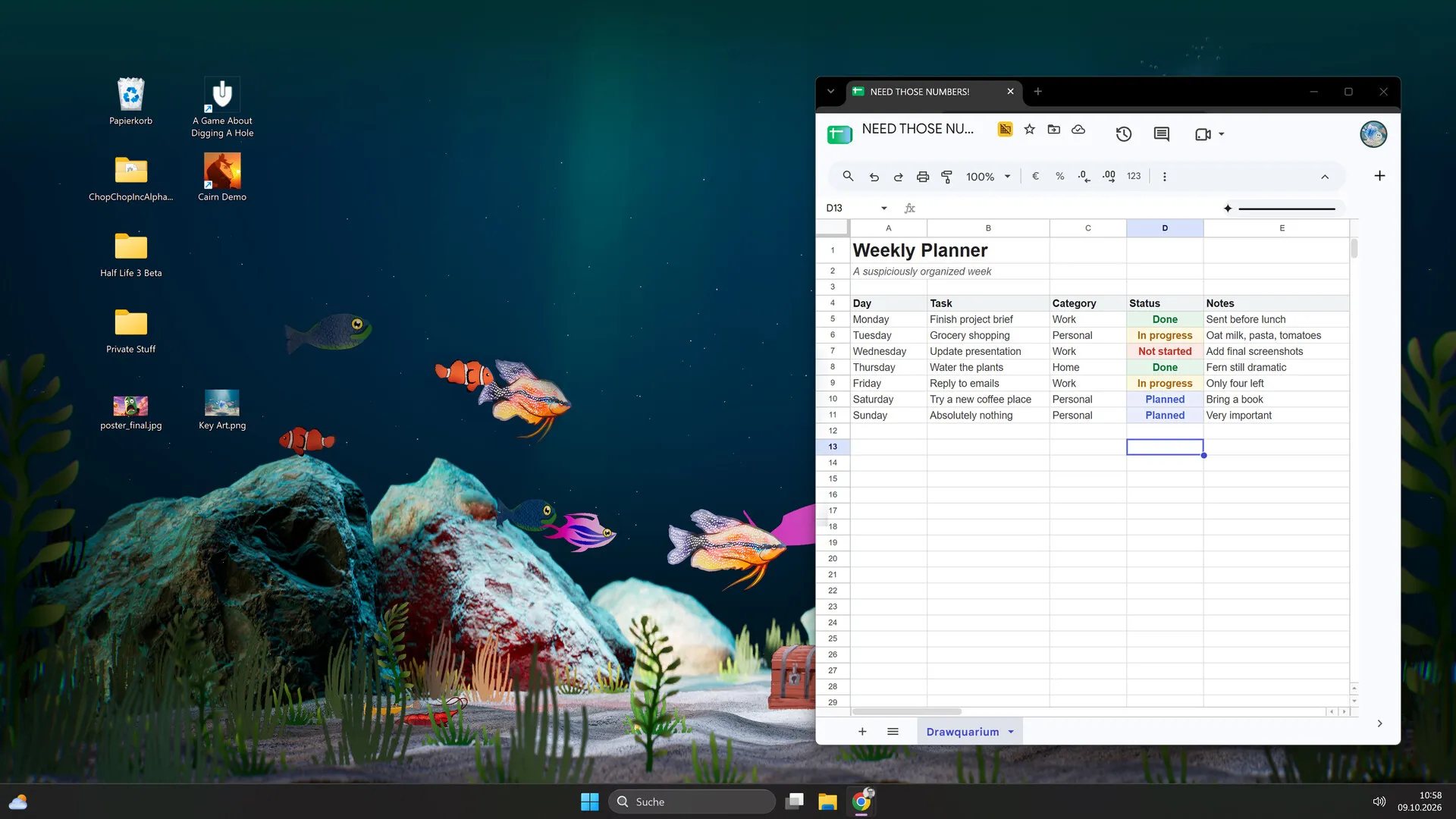
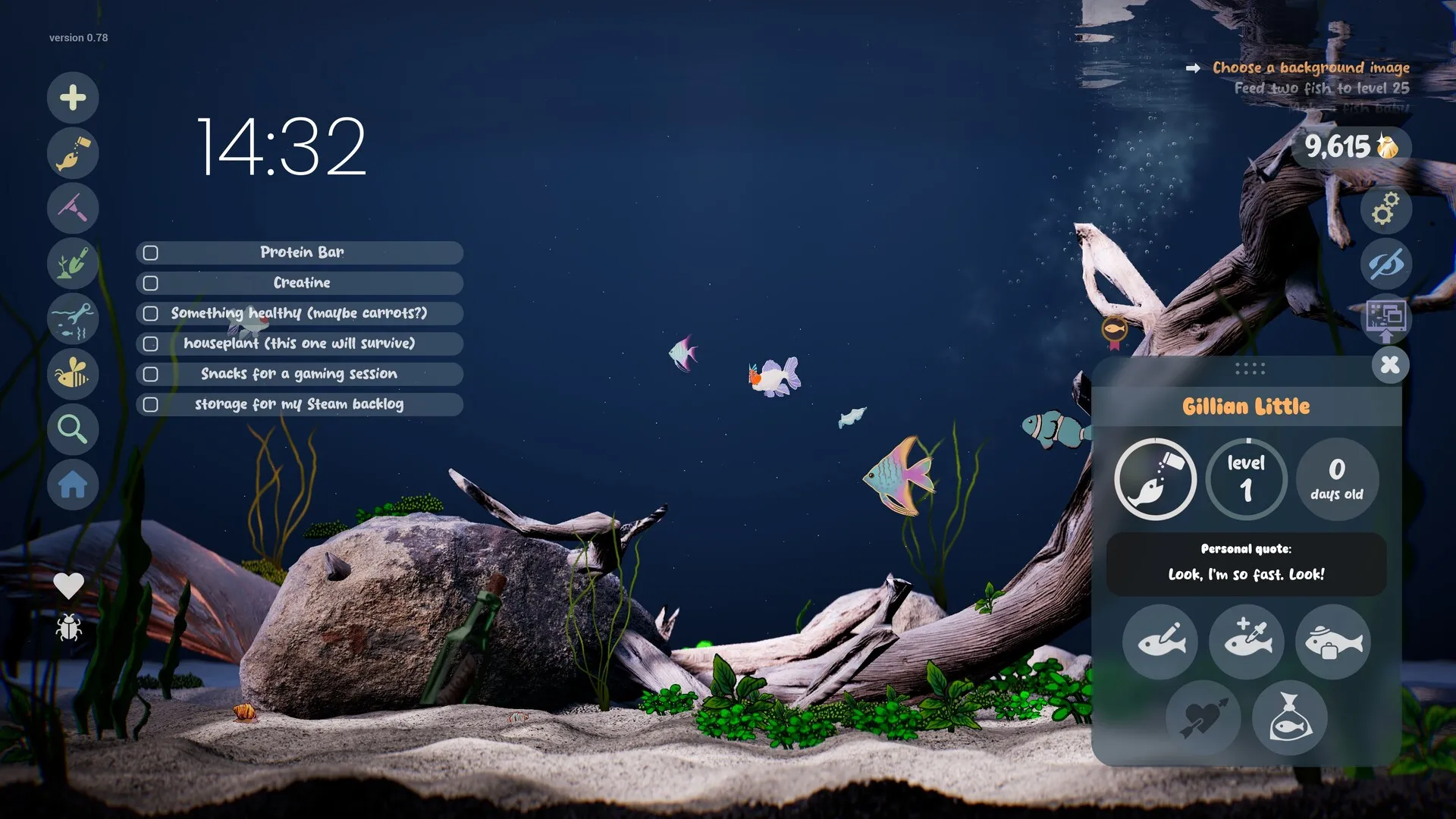
Drawquarium is not a demanding game at the baseline, but Wallpaper Mode changes the workload. If it is running slowly, separate the editor from the desktop layer before changing settings at random.
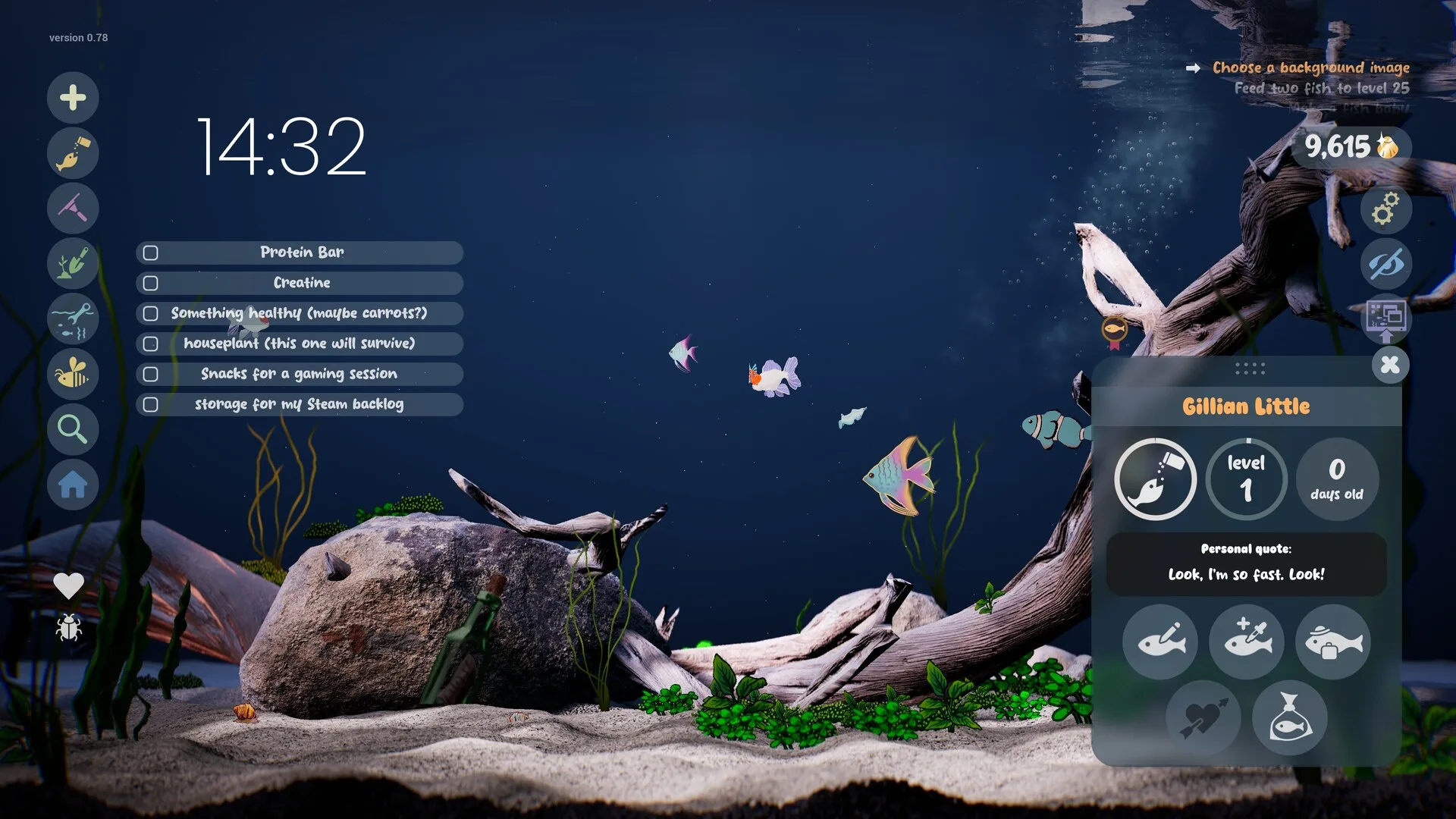
The listed minimum is Windows 10 64-bit, a quad-core i5-8400 / Ryzen 5 1600, 8 GB RAM and a GTX 1060 / RX 580 with 6 GB VRAM. The recommended block repeats the minimum, so there is no higher published target. If your PC is near that line, performance tuning matters.
Check the baseline
- GPU: confirm the actual model in Task Manager or your GPU vendor’s tool. A browser checker cannot reliably identify it.
- Laptop GPU: make sure the game is using the dedicated GPU, not integrated graphics.
- Power: plug in and use a performance power profile; battery saver can cap the GPU.
- Storage: 700 MB free is the install requirement; low disk space can cause other issues.
- Background apps: browsers, video, recording software and Wallpaper Engine all compete for the GPU.
Editor slowdown
If the editor gets sluggish after a long drawing session:
- Use the pause button next to the fish name. The developer’s FAQ suggests this while drawing.
- Try turning off VSync. Some players report it helps; it is not a guaranteed fix.
- Simplify the canvas. Many large imported PNGs and strokes add load.
- Restart the game after a very long session; do not spam-launch it.
- Update the GPU driver from NVIDIA, AMD or Intel, not a driver updater bundle.
Wallpaper Mode load
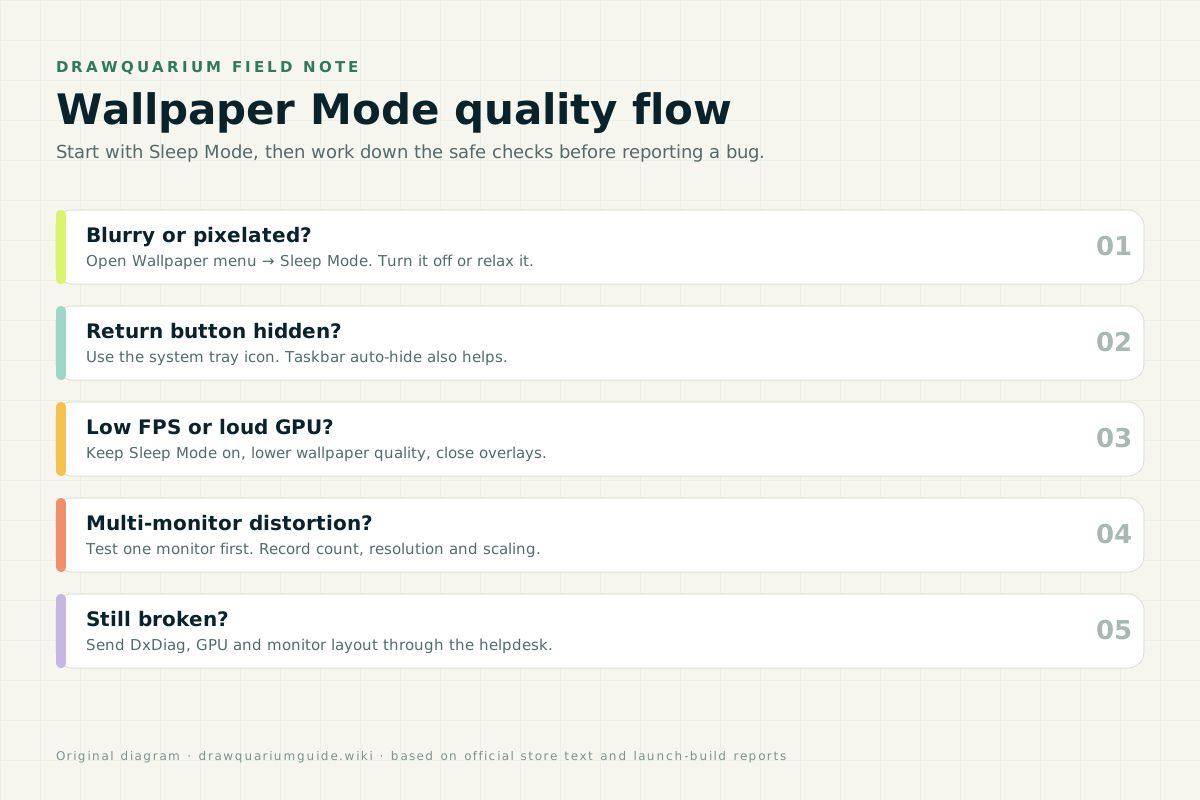
Wallpaper Mode is the most likely source of continuous GPU use. Sleep Mode is designed to reduce quality when the tank is behind another window. That is the first setting to check, not a bug.
- Keep Sleep Mode on if the GPU is loud or the laptop gets hot.
- Turn Sleep Mode off if you want a sharp tank and have headroom.
- Lower shadows, reflections and caustics before dropping resolution.
- Cap the frame rate if the game offers it; a wallpaper does not need max FPS.
- Close other animated wallpapers and overlays.
Settings to try
| Setting | Try | Why |
|---|---|---|
| Sleep Mode | On for performance | Lowers background wallpaper quality. |
| Resolution | Native, then lower | Resolution is the biggest lever. |
| Shadows / reflections | Lower | Expensive effects with little gameplay value. |
| Caustics | Lower | Surface light patterns are costly. |
| VSync | Try off | Some players report smoother drawing. |
| Frame cap | 30–60 | Lower heat and fan noise. |
Steam Deck
The Deck is below the listed desktop GPU baseline, so the game is Playable rather than a guaranteed high-end experience. Lower effects, cap the frame rate and use the trackpads. Our Steam Deck guide covers controls and settings in more detail.
When to report
Report a performance bug if the game is unplayable on hardware that meets the listed minimums, if it crashes, or if a specific action reproducibly freezes the game. Include the GPU, driver version, Windows version, monitor layout and the exact steps. The crash guide has the developer’s official support route.
Performance FAQ
Why is Drawquarium running at low FPS?
The most common causes are Wallpaper Mode, Sleep Mode settings, a laptop using integrated graphics, background GPU load, or a PC below the listed GTX 1060 / RX 580 baseline. Check the baseline first, then test the demo without Wallpaper Mode.
Does Sleep Mode improve performance?
Yes. Sleep Mode deliberately lowers wallpaper quality when the tank is in the background to save resources. Keep it on for performance, turn it off for sharpness.
Why does drawing get slow after a while?
The developer’s FAQ suggests using the pause button next to the fish name while drawing. Turning off VSync also helped some players. Large PNG imports and many overlapping strokes can add load.
Is Drawquarium stutter on Steam Deck normal?
The Deck is below the listed desktop GPU baseline. The game is rated Playable, not Verified. Lower shadows, reflections and caustics, cap the frame rate, and close background downloads before assuming a bug.
When should I report a performance bug?
Report if the game is unplayable on hardware that meets the listed minimums, if it crashes, or if a specific action reproducibly causes a freeze. Include DxDiag, GPU, driver version, monitor layout and the exact steps.
Advertisement
Sources for this page
Checked November 16, 2026Listed claims on this page were checked against the records below. If a detail is not in these records, it is labelled as unconfirmed rather than presented as fact.
- 01 Drawquarium on Steam — Valve / byKaleb / rokaplay
Store description, release date, languages, features, requirements, tags, bundles and platform list. Checked November 16, 2026: released November 13; $9.59 with a 20% introductory offer ending November 27; Steam Deck Playable; 17 screenshots; two trailers; eight bundles; Steam Cloud, Family Sharing and single-player listed; no achievements. The page shows Very Positive (325 reviews, 98% positive).
- 02 Game crashes or won’t start? Try this first — rokaplay / Steam Community (developer)
Pinned November 10, 2026 support post: launch in DirectX 11 mode, restart a few times while shaders compile, update the GPU driver, verify files, the “Fatal Error” when naming the first fish (mostly Intel integrated graphics with 8 GB RAM), and how to report with DxDiag.
- 03 Drawquarium FAQ (developer thread) — rokaplay / Steam Community (developer)
Pinned November 10, 2026 FAQ, rechecked after launch: demo fish and aquariums carry over, no achievements yet, Linux/Steam Deck not officially supported, PNG import guidance (850×850 for a big fish), no layers, pressure settings, zoom and colour shortcuts, clone instead of rename, plants unlock from a ground fish, pause while drawing if it slows down, and how to leave feeding mode.
- 04 Drawquarium is OUT NOW! — Kaleb Lechowski (Steam announcement)
November 13, 2026 launch post: confirms the release, repeats the advice to try the free demo first (especially on older hardware), and explains that Wallpaper Mode’s Sleep Mode lowers graphics quality on purpose and is adjustable in the Wallpaper menu.
- 05 Drawquarium customer reviews on Steam — Steam Community
Review snapshots: launch evening (21:30 UTC, November 13) was Very Positive with 100% of 57 Steam-purchaser reviews positive. On November 16 the page showed Very Positive with 98% of 325 Steam-purchaser reviews positive, 359 total including key activations and 6 negative. Reviews describe PNG import, feeding behaviours, cleaning, breeding, moving fish between aquariums, performance and multi-monitor Wallpaper Mode.
Read how we classify evidence in our editorial policy.
Quick status