Drawing & creating
How to make a bioluminescent fish in Drawquarium (without a glowing mess)
Bioluminescence is a confirmed Drawquarium feature, not a mod. The hard part is not making something glow; it is making the glow readable without turning the whole tank into a rave.
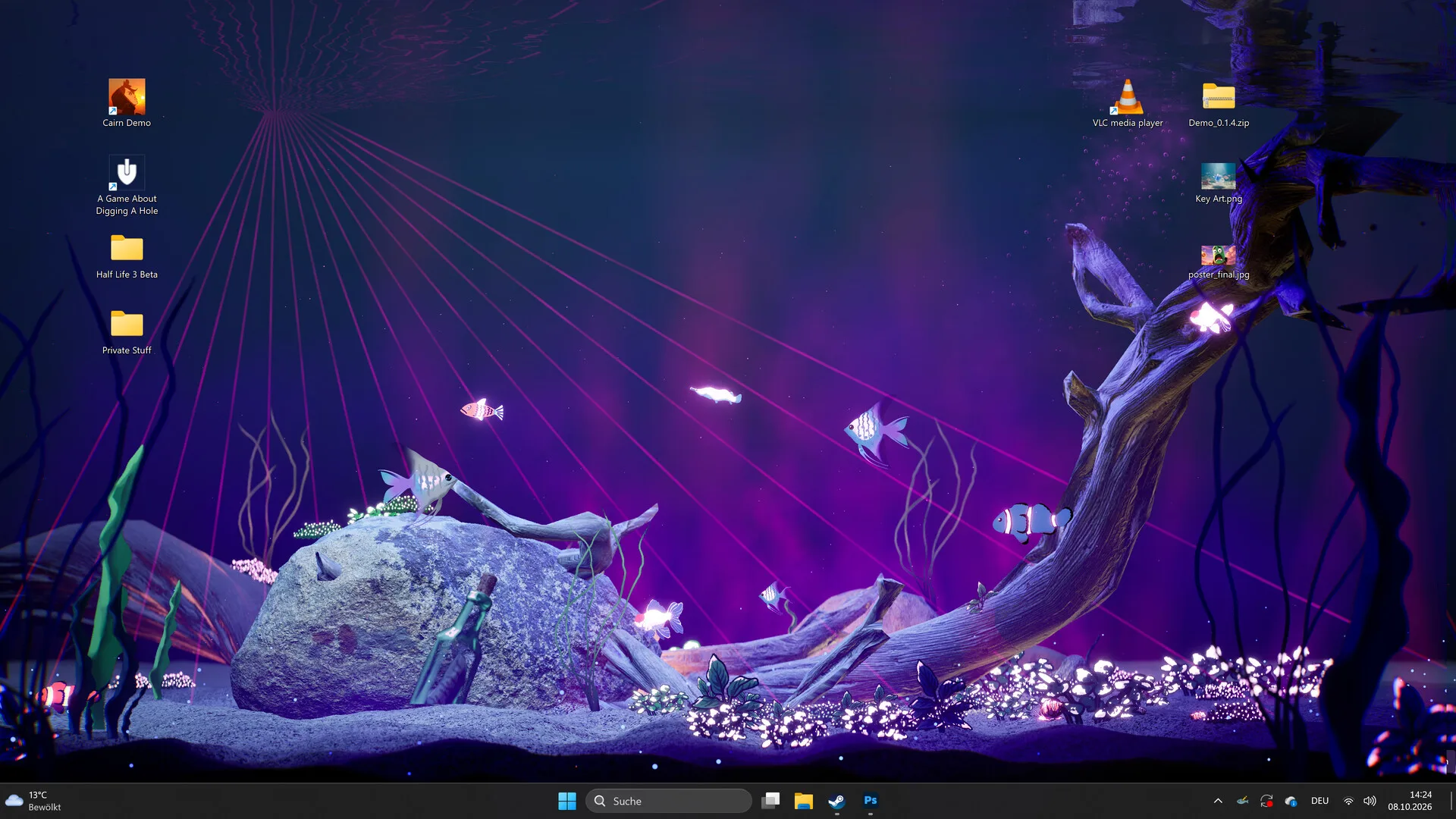
The developer’s September 2026 update added bioluminescent fish and plants. That makes glow part of the drawing and lighting toolkit. The launch build also has a Disco Mode, which is the opposite approach: loud, coloured and deliberately excessive. This guide is about the quieter version.
What bioluminescence is
Bioluminescence means the creature or plant appears to produce light. In a game, that is usually an emissive layer or a bright material that stays visible in low light. Drawquarium’s store media shows glowing plants and fish in dark tanks, and the developer lists the feature explicitly. It is cosmetic and atmospheric; it is not a stat boost.
Design a glowing fish
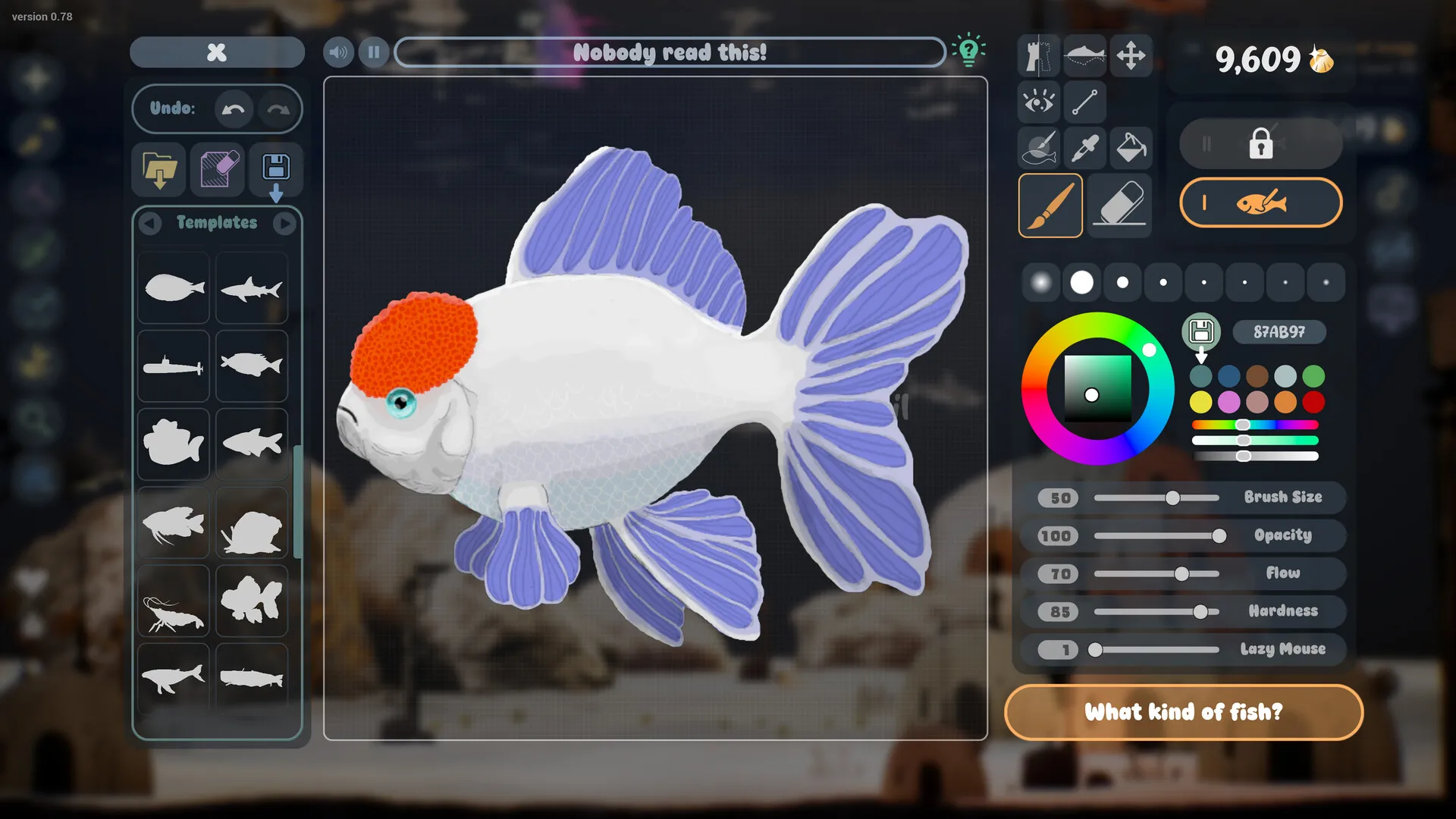
- Start with a readable silhouette. A glow cannot fix a shape that disappears at tank distance.
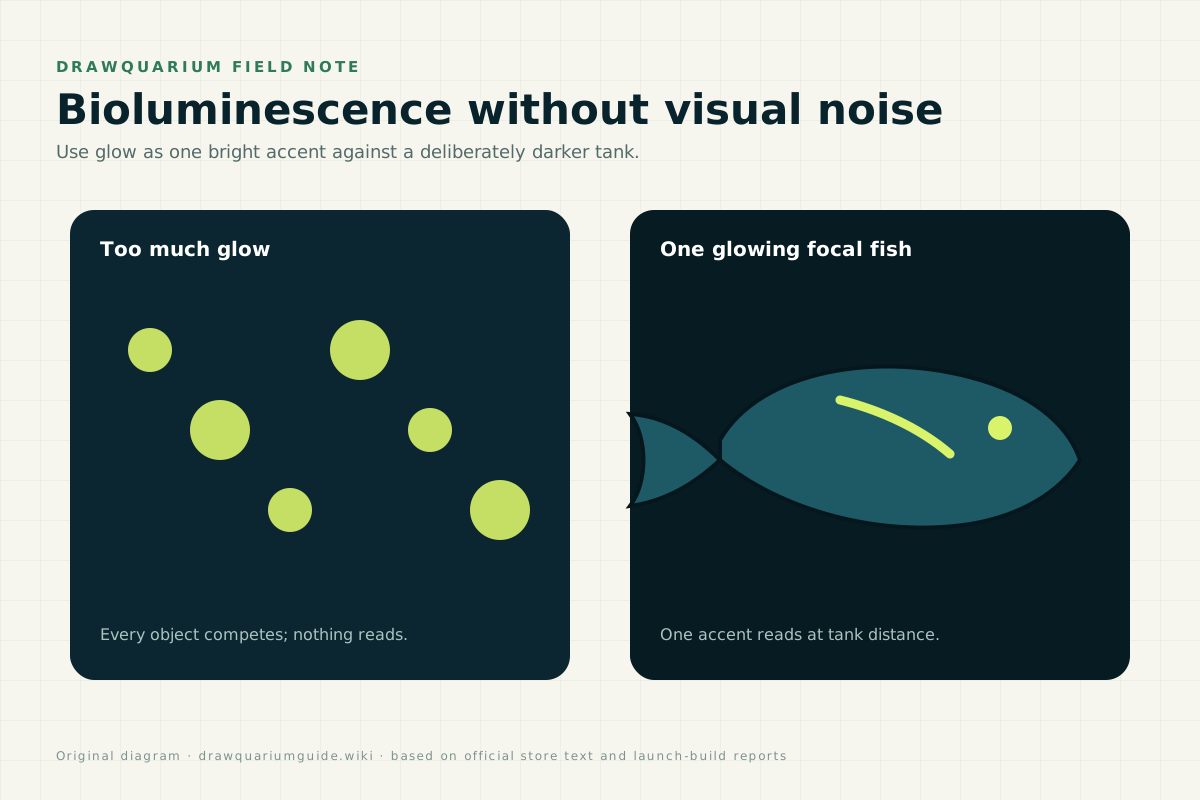
- Choose one glow area. An outline, a fin edge, a stripe, the eye or a pattern of dots.
- Keep the base colour darker than the glow. The contrast is what makes the light read.
- Use glow to separate the fish from the background. A dark fish with a glowing rim is visible at night.
- Check it at tank scale. Zoom out; a thin glowing line will vanish.
Light the tank around it
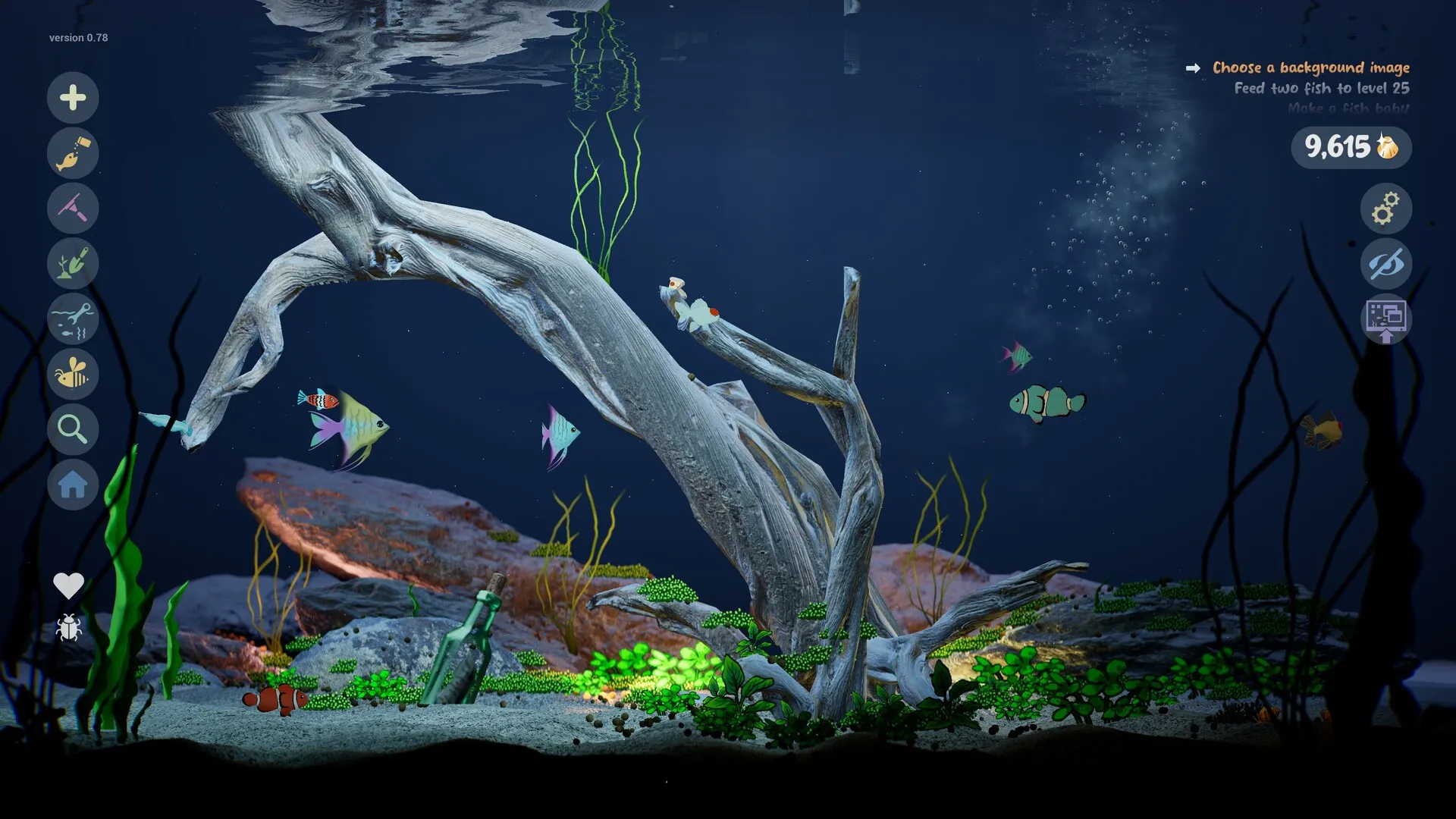
Glow is relative. A tank with bright ambient light, strong caustics and a pale background washes out subtle bioluminescence. A dark tank with low ambient light, dark substrate and a single warm or cool key light gives the glow room to be the brightest thing in the frame.
- Dark substrate: black or deep brown sand makes the glow pop.
- Low ambient light: dim the main light or use a night setting.
- One key light: keep the rest of the tank in shadow.
- Few glowing objects: one fish, or one cluster of plants, not everything.
- Caution with caustics: strong surface patterns can compete with the glow.
Glowing plants
Glowing plants work as background light. Put them behind the focal fish or around a rock, not across the whole foreground. A cluster of small glowing tips reads better than a solid wall of neon. If the plant is meant to be the focal point, make the fish around it darker and simpler.
Why the glow looks wrong
- It looks flat: the tank is too bright; increase contrast.
- It looks like a sticker: the glow covers the whole body; use it as an accent.
- It disappears: the glowing area is too thin at tank scale; make it larger.
- It clashes: too many glow colours; choose one dominant hue.
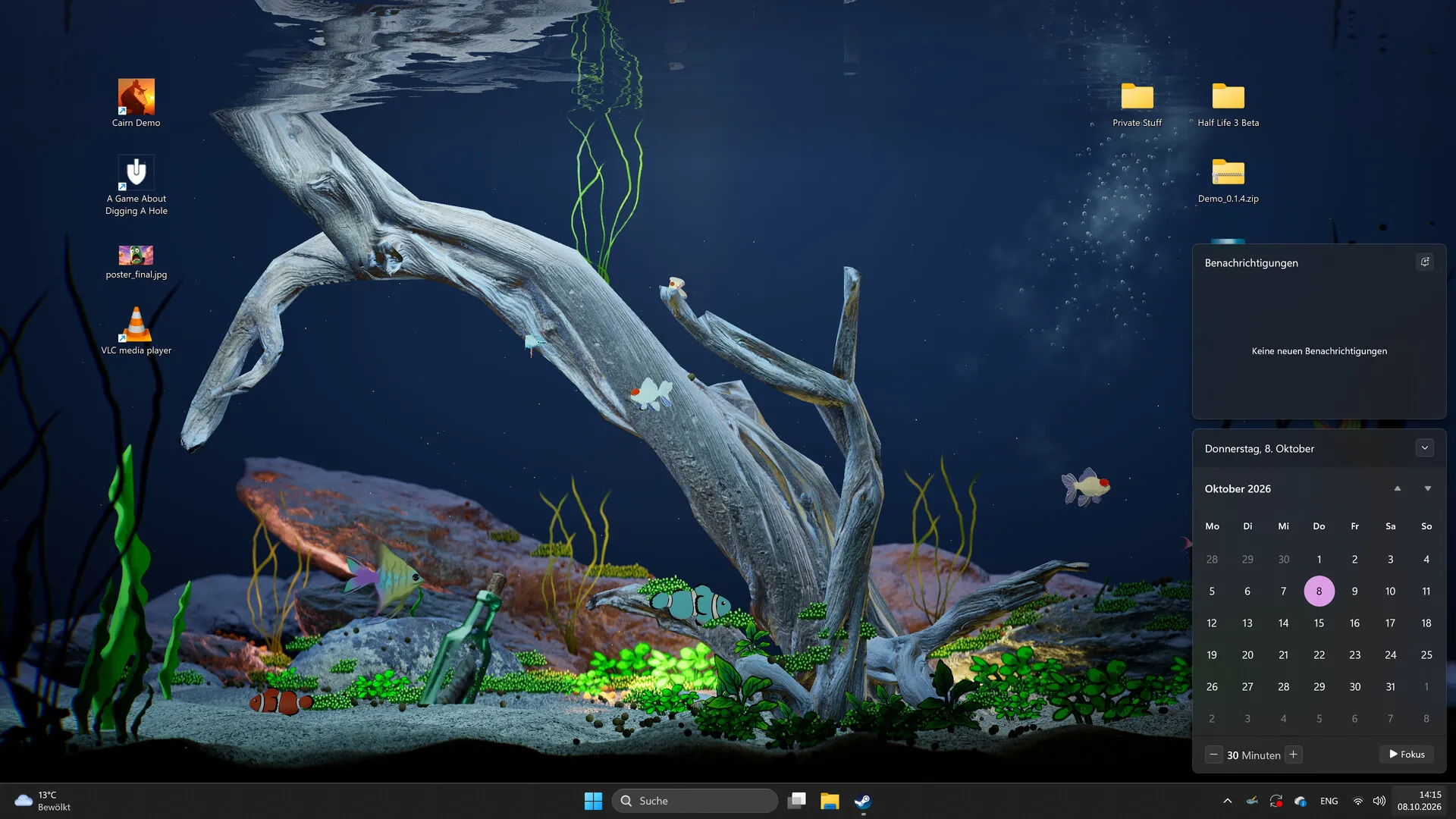
- It washes out in Wallpaper Mode: Sleep Mode or a bright desktop can reduce contrast; test the mode.
Three glow builds
Deep-sea minimal
Black substrate, one dark fish with a cyan rim, two glowing plant tips. No caustics.
Neon disco
Purple lasers, magenta and teal fish, glowing plants, high saturation. Deliberately loud.
Moonlit pond
Pale sand, low cool light, one glowing white fish and soft green plants. Calm, not dark.
For full tank plans, see ten tank themes and the plants and lighting guide.
Glow FAQ
Can you make bioluminescent fish in Drawquarium?
Yes. The developer’s September 2026 update added bioluminescent fish and plants. The editor and tank lighting let you make glow a deliberate part of the design.
How do I make a fish glow?
Use glow on a focused area — an outline, fin edge, eye or pattern — rather than the whole body. Then dim the tank’s ambient light so the glow has contrast. Exact editor controls can vary, so test in the demo.
Why does my glowing fish look flat?
Glow needs contrast. If the tank is bright, caustics are strong and every plant glows, the fish has nothing to stand out against. Darken the scene and keep one bright focal point.
Do glowing plants need a dark tank?
They look best in a dark or dim tank. In a bright daylight tank, glow becomes a small accent rather than a light source.
Is bioluminescence a separate game mode?
No. It is an editor and lighting feature, not a separate mode. You can use it in a normal tank, a themed tank or Wallpaper Mode.
Advertisement
Sources for this page
Checked November 16, 2026Listed claims on this page were checked against the records below. If a detail is not in these records, it is labelled as unconfirmed rather than presented as fact.
- 01 Drawquarium on Steam — Valve / byKaleb / rokaplay
Store description, release date, languages, features, requirements, tags, bundles and platform list. Checked November 16, 2026: released November 13; $9.59 with a 20% introductory offer ending November 27; Steam Deck Playable; 17 screenshots; two trailers; eight bundles; Steam Cloud, Family Sharing and single-player listed; no achievements. The page shows Very Positive (325 reviews, 98% positive).
- 02 Drawquarium has changed a LOT since the demo in May — Kaleb Lechowski (Steam announcement)
September 18, 2026 list of added and improved systems since the first demo.
- 03 What’s new in Drawquarium: bioluminescent fish and plants — Drawquarium / X
Official post: the September 2026 update added bioluminescent fish and plants alongside drawing-editor improvements.
- 04 Drawquarium customer reviews on Steam — Steam Community
Review snapshots: launch evening (21:30 UTC, November 13) was Very Positive with 100% of 57 Steam-purchaser reviews positive. On November 16 the page showed Very Positive with 98% of 325 Steam-purchaser reviews positive, 359 total including key activations and 6 negative. Reviews describe PNG import, feeding behaviours, cleaning, breeding, moving fish between aquariums, performance and multi-monitor Wallpaper Mode.
Read how we classify evidence in our editorial policy.
Quick status