Desktop & focus
Drawquarium Wallpaper Mode not working? Sleep Mode, low FPS and the developer’s fixes
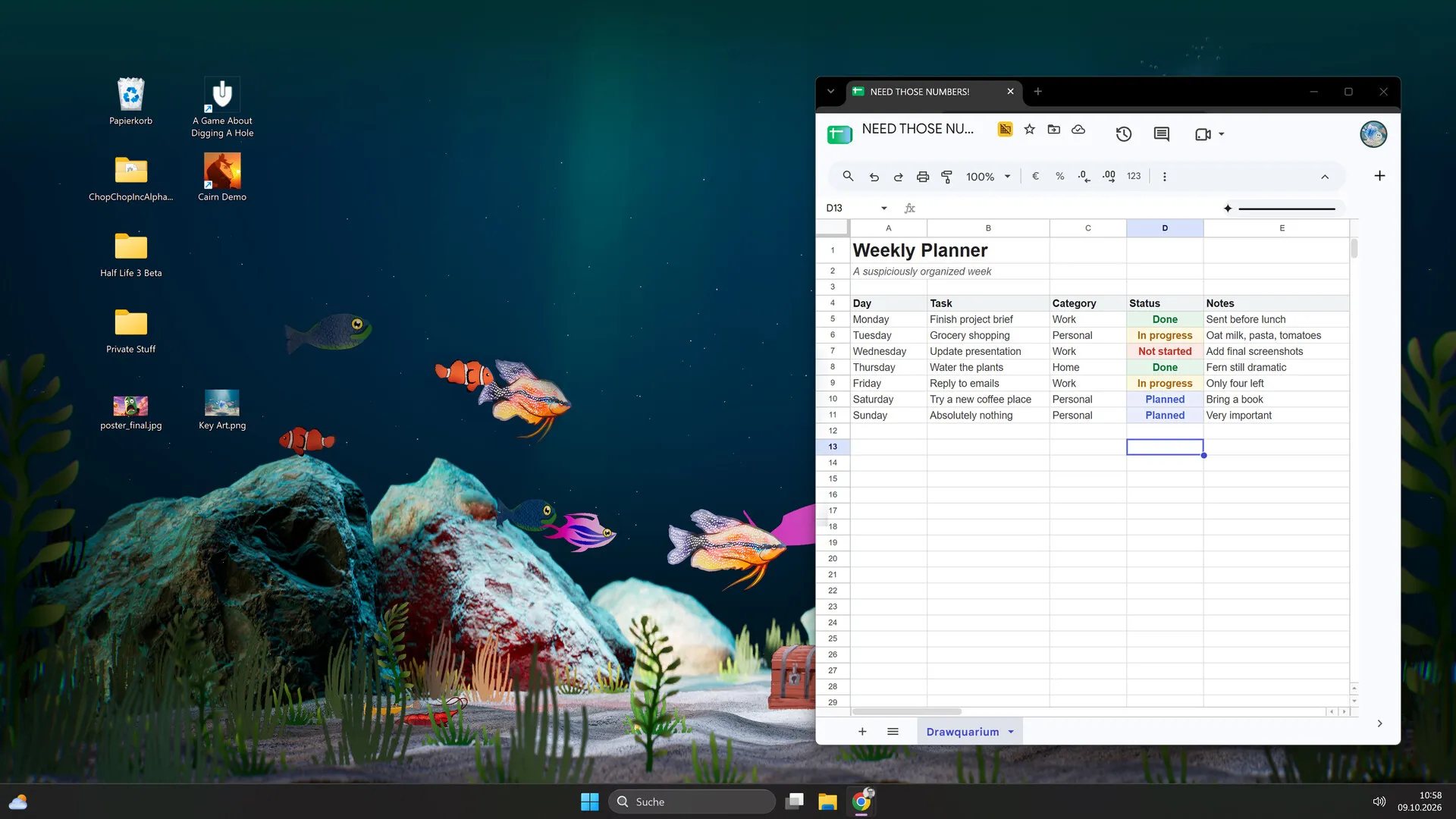
Wallpaper Mode is the feature most likely to depend on your exact monitor, GPU and Windows setup. The launch post finally explains why it can look blurry; the rest is still a careful-report situation, not a registry hack.
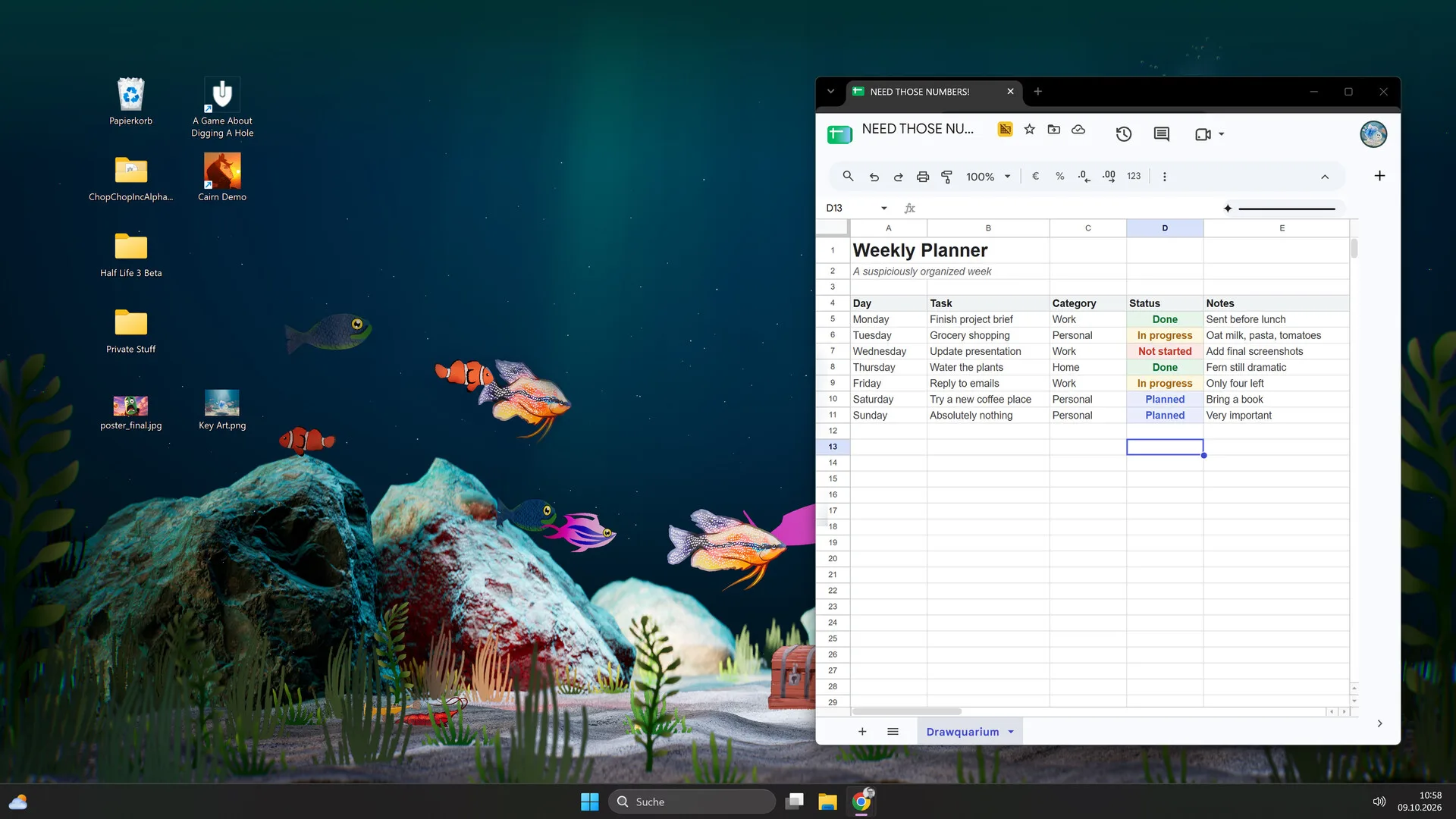
On November 10, 2026, rokaplay pinned an updated support thread titled “Wallpaper Mode: known issues, workarounds and reports”. On launch day, the developer added the missing piece: Sleep Mode deliberately lowers quality when the tank is behind another app. This page combines those official notes with the reports players have actually made.
Official known issues and workarounds
These are the developer’s own notes, not community theories:
- Low FPS or a pixelated picture. Turn off Sleep Mode (the Zzz button in the game). The developer explains that Sleep Mode reduces graphics quality on purpose when the wallpaper is behind a fullscreen app. The setting lives in the Wallpaper menu; with Sleep Mode off, the wallpaper uses more resources but stays sharper.
- Freezes when Wallpaper Mode starts. Tracked as a known issue; report it with your GPU and monitor layout if it persists.
- The back button sits behind the taskbar. Click the Drawquarium icon in the system tray, next to the clock, to return to the game.
- Autostart opens a second instance or starts late. Known; avoid launching the game manually at the same time as the autostart task.
- Distorted picture with several monitors. Known; include the number of monitors and each resolution in a report.
- After a restart, the wallpaper can take about a minute to appear. That delay is expected, not a failed launch.
What players report
These are thread titles and launch-day review comments from the Steam community, not verified bug reproductions:
- “When i clicked wallpaper mode, it does nothing”
- “the game wont let me open it and i cant turn off wallpaper mode”
- “Wallpaper Mode reminder is in the way”
- “Windows 11 ERROR 0X11C7”
- “why is a good graphics card required?”
- “have they fixed the food randomly un saving?”
- Launch-day review: the return button ended up behind the taskbar after enabling the wallpaper.
- Launch-day review: the wallpaper looked great across multiple screens but made the GPU loud; Sleep Mode settings are the first fix.
- Launch-day review: plenty of resolution and frame-rate options on both high-end and budget setups.
The pattern is practical: activation, exit, overlays and performance. The launch build confirms the feature works, but not every report is fixed. Treat them as questions to test, not as a diagnosis.
The official reporting route
Use rokaplay’s Drawquarium helpdesk. The pinned thread asks for:
- A DxDiag file.
- Your GPU model.
- Your monitor configuration: number of monitors and resolutions.
- Any workaround you found, with the same setup details.
You can also report in the rokaplay Discord, but the helpdesk form is the structured route the publisher explicitly links.
Safe checks to try
These are general Windows and Steam checks, not official Drawquarium fixes. Do them one at a time so you know what changed.
- Confirm the basics. Windows 10 64-bit, 8 GB RAM, a GTX 1060 / RX 580-class GPU, DirectX 12 and 700 MB free. A laptop with integrated graphics may be below the listed baseline.
- Update the GPU driver. Use NVIDIA, AMD or Intel’s own tool, not a driver-updater bundle.
- Close other wallpaper apps. Two animated desktops can fight over the same layer.
- Verify the game files in Steam → Properties → Installed Files.
- Try a single monitor. If you have an ultrawide or multi-monitor setup, disconnect one screen and test again.
- Try windowed mode first, then enable Wallpaper Mode from the game’s settings.
- Disable overlays temporarily (Steam overlay, Discord overlay, GPU overlays) to see whether the mode activates.
- Reboot if the game will not exit wallpaper mode; then check the game’s display settings before relaunching.
- Test the free demo on the same PC. If the demo behaves the same way, you have a reproducible data point for support.
What not to do
- Do not download a DLL, “fix tool” or patched executable from a video description.
- Do not edit the registry or disable Windows security features to make a wallpaper work.
- Do not copy save folders from another game’s troubleshooting guide; save paths are game-specific.
- Do not post your DxDiag publicly if it contains personal information; send it through the official helpdesk.
- Do not assume a workaround for one GPU or monitor will work on another.
How to write a useful report
A report that support can act on includes:
- What you did: “Clicked Wallpaper Mode in Settings after loading a tank.”
- What happened: “The desktop stayed on the normal wallpaper; the game window remained open.”
- What you expected: “The tank should appear behind my windows.”
- Your setup: Windows version, GPU, driver version, CPU, RAM, monitor count and resolutions.
- Reproduction: whether it happens every time, only on battery, only with a second monitor, etc.
- Evidence: a screenshot or short video, plus DxDiag through the official form.
What is still unknown
There is no confirmed multi-monitor support matrix, no public list of fixed Wallpaper Mode bugs, and no official statement that every reported issue will be patched. The Sleep Mode explanation is official; the rest is still a case-by-case test. The pinned thread is evidence that rokaplay is collecting reports, not evidence that a specific fix exists.
For the intended behaviour, read the Wallpaper Mode guide. For the hardware baseline, see system requirements.
Advertisement
Sources for this page
Checked November 16, 2026Listed claims on this page were checked against the records below. If a detail is not in these records, it is labelled as unconfirmed rather than presented as fact.
- 01 Wallpaper Mode: known issues, workarounds and reports — rokaplay / Steam Community (developer)
Pinned November 10, 2026 post: low FPS or pixelation, freezes, back button behind the taskbar, autostart second instance, multi-monitor distortion; system-tray return, turning off Sleep Mode, and a one-minute wait after restart.
- 02 Wallpaper Mode – Bug Reports & Workarounds — rokaplay / Steam Community
Pinned November 5, 2026 support thread asking for DxDiag files, GPU and monitor details. Links to the official rokaplay helpdesk form for Wallpaper Mode issues.
- 03 Drawquarium is OUT NOW! — Kaleb Lechowski (Steam announcement)
November 13, 2026 launch post: confirms the release, repeats the advice to try the free demo first (especially on older hardware), and explains that Wallpaper Mode’s Sleep Mode lowers graphics quality on purpose and is adjustable in the Wallpaper menu.
- 04
- 05 Drawquarium on Steam — Valve / byKaleb / rokaplay
Store description, release date, languages, features, requirements, tags, bundles and platform list. Checked November 16, 2026: released November 13; $9.59 with a 20% introductory offer ending November 27; Steam Deck Playable; 17 screenshots; two trailers; eight bundles; Steam Cloud, Family Sharing and single-player listed; no achievements. The page shows Very Positive (325 reviews, 98% positive).
- 06 Drawquarium has changed a LOT since the demo in May — Kaleb Lechowski (Steam announcement)
September 18, 2026 list of added and improved systems since the first demo.
- 07 Drawquarium Steam Community hub — Steam Community
Player discussions and developer replies. Used to identify open questions and to record the developer’s demo-save answer, never as proof of an unrelated mechanic.
- 08 Drawquarium customer reviews on Steam — Steam Community
Review snapshots: launch evening (21:30 UTC, November 13) was Very Positive with 100% of 57 Steam-purchaser reviews positive. On November 16 the page showed Very Positive with 98% of 325 Steam-purchaser reviews positive, 359 total including key activations and 6 negative. Reviews describe PNG import, feeding behaviours, cleaning, breeding, moving fish between aquariums, performance and multi-monitor Wallpaper Mode.
Read how we classify evidence in our editorial policy.
Quick status