Official links · checked November 14, 2026
Download Drawquarium — full game or free demo
The only official downloads are on Steam. The full game is app 4045480; the free demo is app 4331760. No APK, no browser build and no “free full game” download exists.
Sale ends November 27, 2026. Base price after the sale: $11.99.
The two official downloads
| Version | Steam app | Price | Link |
|---|---|---|---|
| Full game | 4045480 | $9.59 until Nov 27 | Steam ↗ |
| Free demo | 4331760 | Free | Steam ↗ |
How to install
- Install Steam on Windows 10 or 11.
- Open the full game page for app 4045480, or the demo page for 4331760.
- Choose “Add to Cart” for the full game, or “Play” / “Download” for the demo.
- Install to a drive with at least 700 MB free. The listed requirement is 700 MB for both builds.
- Launch the game and check the editor, audio and Wallpaper Mode before the refund window closes.
The free demo is the right first download
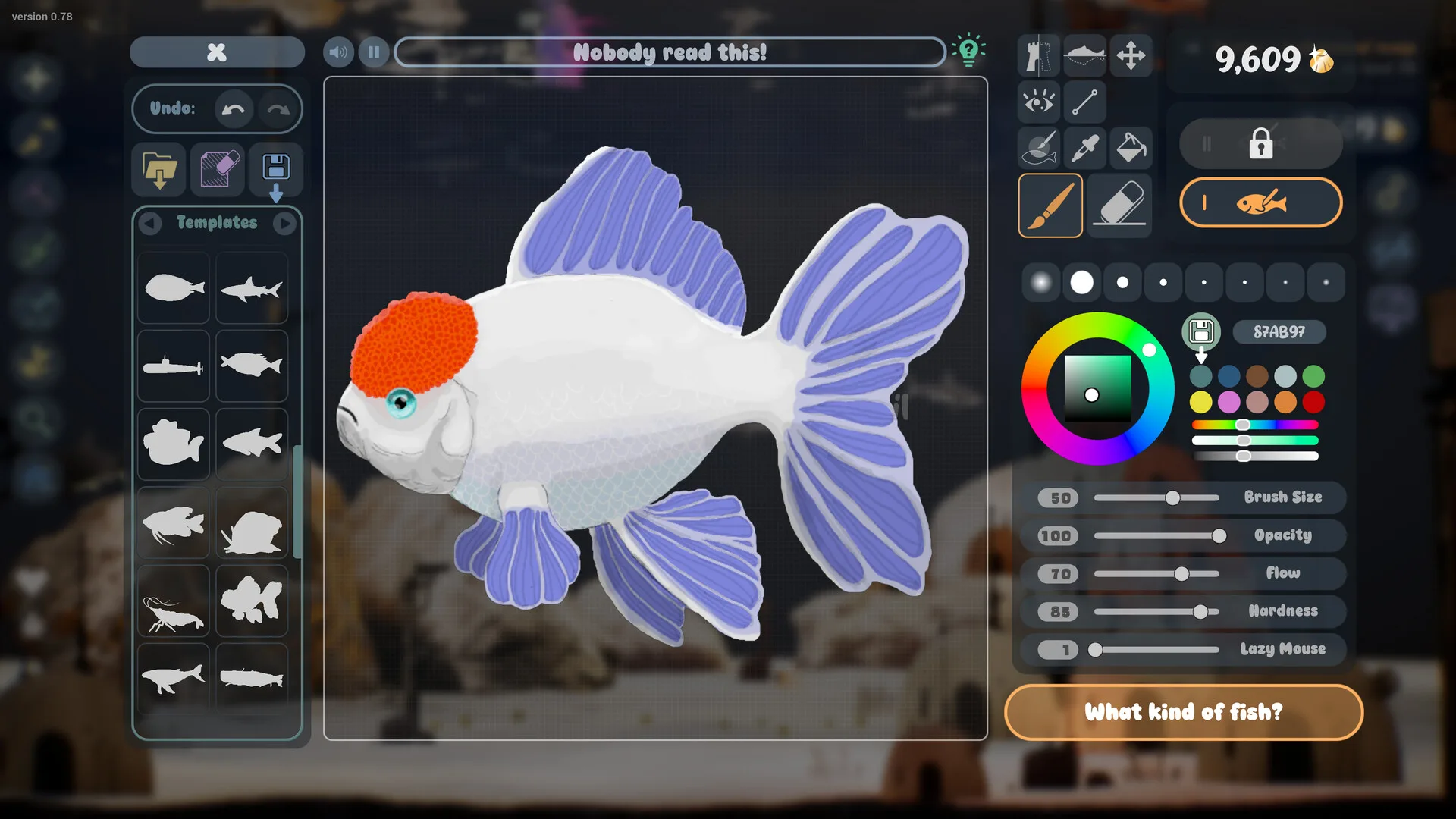
The demo is a separate Steam app with a reduced feature set. It covers the drawing editor, importing, feeding, growth, cleaning, Golden Scales and some decoration. It is the best way to test whether your PC runs the game and whether the drawing loop holds your attention.
Demo fish and aquariums are designed to carry over to the full game. The developer FAQ confirms the transfer, and a launch-day player reports the full game loading the demo save automatically. Keep the demo installed until you have seen the tank in the full game. Our save-transfer guide has the safe order.
System requirements
| Part | Listed minimum |
|---|---|
| OS | Windows 10 64-bit |
| Processor | Quad-core Intel i5-8400 / AMD Ryzen 5 1600 or equivalent |
| Memory | 8 GB RAM |
| Graphics | NVIDIA GTX 1060 / AMD RX 580 with 6 GB VRAM |
| DirectX | Version 12 |
| Storage | 700 MB available space |
The recommended block repeats the minimum, so there is no higher published target. A laptop with integrated graphics may be below the baseline; test the demo first. Our system requirements page and browser checker go further.
Windows, Steam Deck, Mac and mobile
- Windows: the supported platform.
- Steam Deck: Valve rates it Playable; the developer still calls Deck/Linux unofficial. See the Steam Deck guide.
- Mac: no native build. See the Mac options and risks.
- Mobile: no official app. See the mobile and APK guide.
- Console: no PS5, Xbox or Switch version has been announced.
How to spot a fake download
- Check the domain. Official downloads are on
store.steampowered.com. - No APK. A file ending in
.apkis not the Steam game. - No login walls. Steam does not ask for your password on a third-party download page.
- No “free full game” key generator. There is no official free full version.
- Check the app ID. Full game 4045480; demo 4331760.
Refund and sale timing
Steam’s standard refund policy generally covers a purchase within 14 days and under two hours of playtime, subject to Valve’s rules. The launch sale ends November 27, 2026; after that the US base price is $11.99. If Wallpaper Mode is the main reason you are buying, test it inside that window.
Download FAQ
Where do I download Drawquarium?
The full game is Steam app 4045480. The free demo is Steam app 4331760. Both are official Steam listings; there is no standalone installer, browser version or official APK.
Is there a free full version?
No. Only the demo is free. The full game costs $9.59 during the launch sale, which ends November 27, 2026; the base price is $11.99.
How big is the download?
Steam lists 700 MB of available storage for both the full game and the demo. That is the install requirement, not necessarily the compressed download size.
Can I play the demo without buying?
Yes. The demo is a separate free Steam app and does not require a pre-order or key. It is the best way to test performance, drawing feel and Wallpaper Mode before buying.
Does the demo save transfer to the full game?
Yes. The developer FAQ says demo fish and aquariums carry over, and a launch-day player reports the full game loading the demo save automatically. Keep the demo installed until you have checked.
Is there a Drawquarium APK or mobile download?
No. There is no official Android, iPhone or iPad version. Pages offering an APK are unrelated apps or ad farms. Use the Steam version or stream from a Windows PC with Steam Link.
Advertisement
Sources for this page
Checked November 16, 2026Listed claims on this page were checked against the records below. If a detail is not in these records, it is labelled as unconfirmed rather than presented as fact.
- 01 Drawquarium on Steam — Valve / byKaleb / rokaplay
Store description, release date, languages, features, requirements, tags, bundles and platform list. Checked November 16, 2026: released November 13; $9.59 with a 20% introductory offer ending November 27; Steam Deck Playable; 17 screenshots; two trailers; eight bundles; Steam Cloud, Family Sharing and single-player listed; no achievements. The page shows Very Positive (325 reviews, 98% positive).
- 02 Drawquarium Demo on Steam — Valve / byKaleb / rokaplay
Demo listing, free status, demo-specific feature bullets, system requirements. On November 8 it showed Very Positive (96% of 91 reviews) and 14 interface languages.
- 03 Steam app details API for app 4045480 — Valve
Machine-readable copy of the store record, including platform flags (Windows only), 17 screenshots and supported languages. No price object was present on November 13 before the unlock; the official price comes from the developer’s November 12 post.
- 04 Drawquarium is OUT NOW! — Kaleb Lechowski (Steam announcement)
November 13, 2026 launch post: confirms the release, repeats the advice to try the free demo first (especially on older hardware), and explains that Wallpaper Mode’s Sleep Mode lowers graphics quality on purpose and is adjustable in the Wallpaper menu.
- 05 Drawquarium customer reviews on Steam — Steam Community
Review snapshots: launch evening (21:30 UTC, November 13) was Very Positive with 100% of 57 Steam-purchaser reviews positive. On November 16 the page showed Very Positive with 98% of 325 Steam-purchaser reviews positive, 359 total including key activations and 6 negative. Reviews describe PNG import, feeding behaviours, cleaning, breeding, moving fish between aquariums, performance and multi-monitor Wallpaper Mode.
- 06 Drawquarium FAQ (developer thread) — rokaplay / Steam Community (developer)
Pinned November 10, 2026 FAQ, rechecked after launch: demo fish and aquariums carry over, no achievements yet, Linux/Steam Deck not officially supported, PNG import guidance (850×850 for a big fish), no layers, pressure settings, zoom and colour shortcuts, clone instead of rename, plants unlock from a ground fish, pause while drawing if it slows down, and how to leave feeding mode.
- 07 How to transfer aquarium from demo? (player reply) — Steam Community
Launch-day player report says the full game loaded the demo save automatically and that demo save data remains in the AppData folder. A player report, not an official migration guide.
- 08 Steam refunds — Valve
Valve’s standard refund policy: generally within 14 days of purchase and under 2 hours of playtime, subject to Valve’s rules and exceptions.
Read how we classify evidence in our editorial policy.