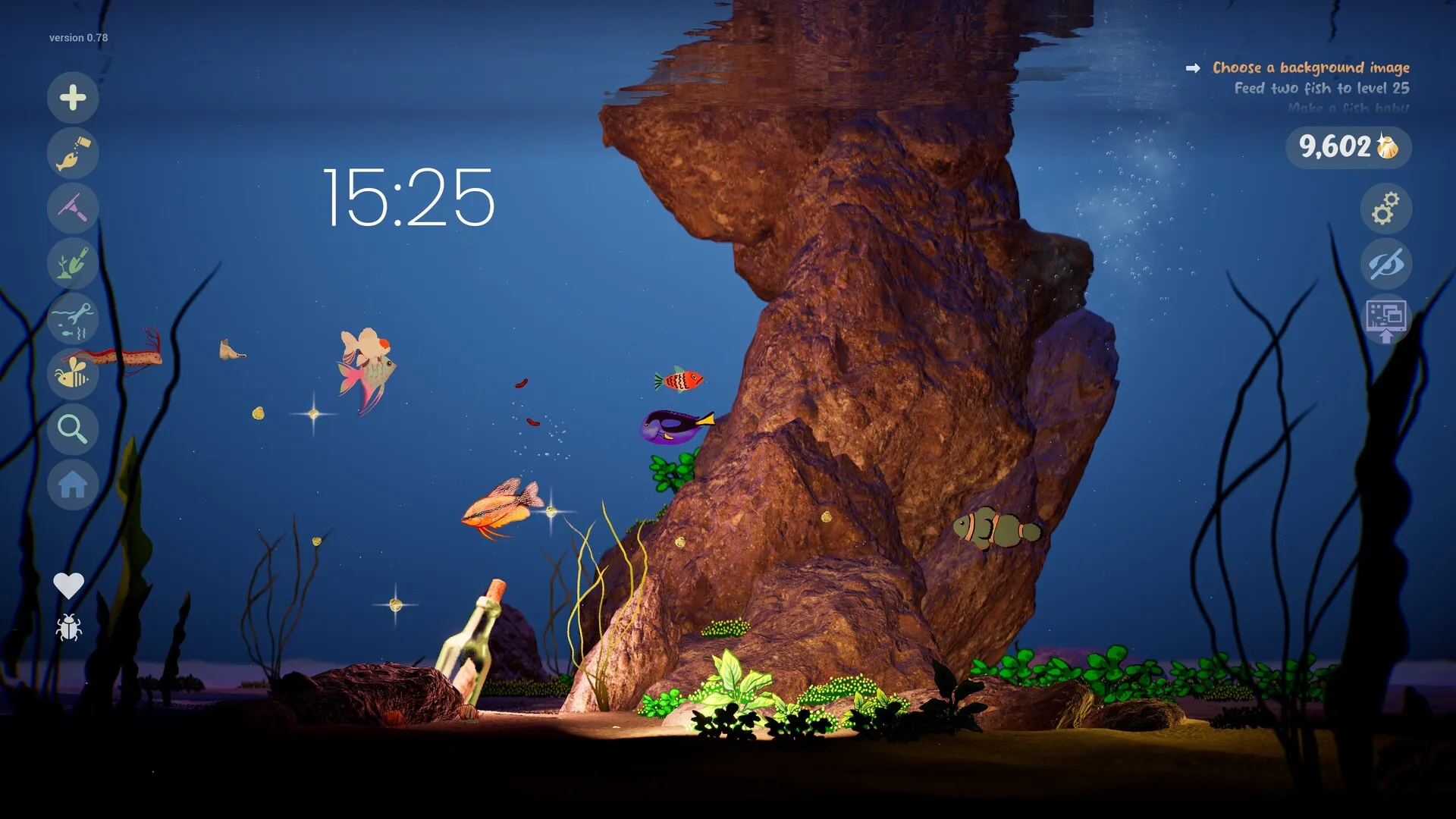
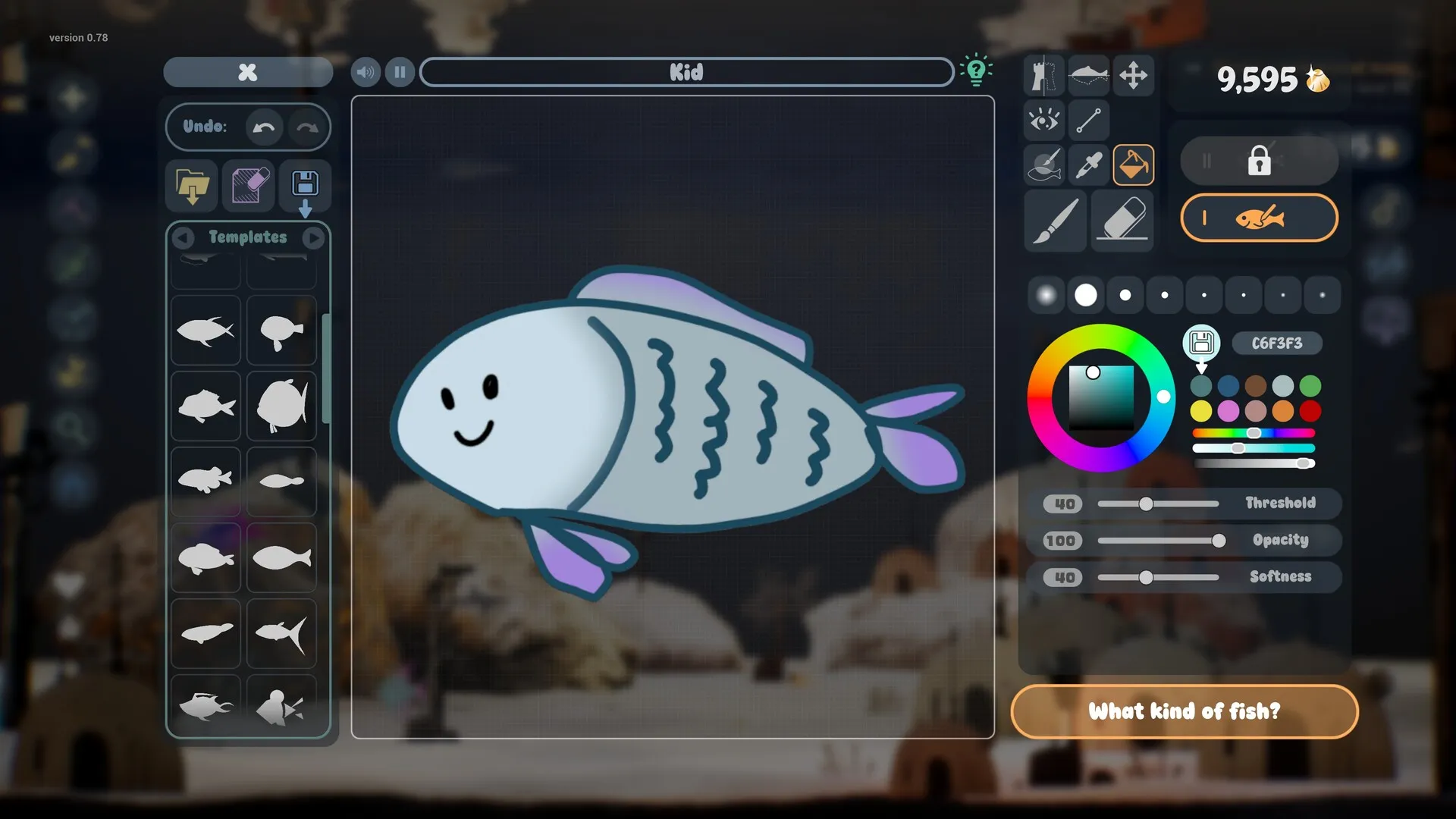
Start here
Drawquarium demo save transfer: how to keep your fish and aquariums
You spent hours drawing fish in the free demo. The good news is that the full game is designed to keep them. The bad news is that the migration is not documented as a button-by-button process, so a little care goes a long way.
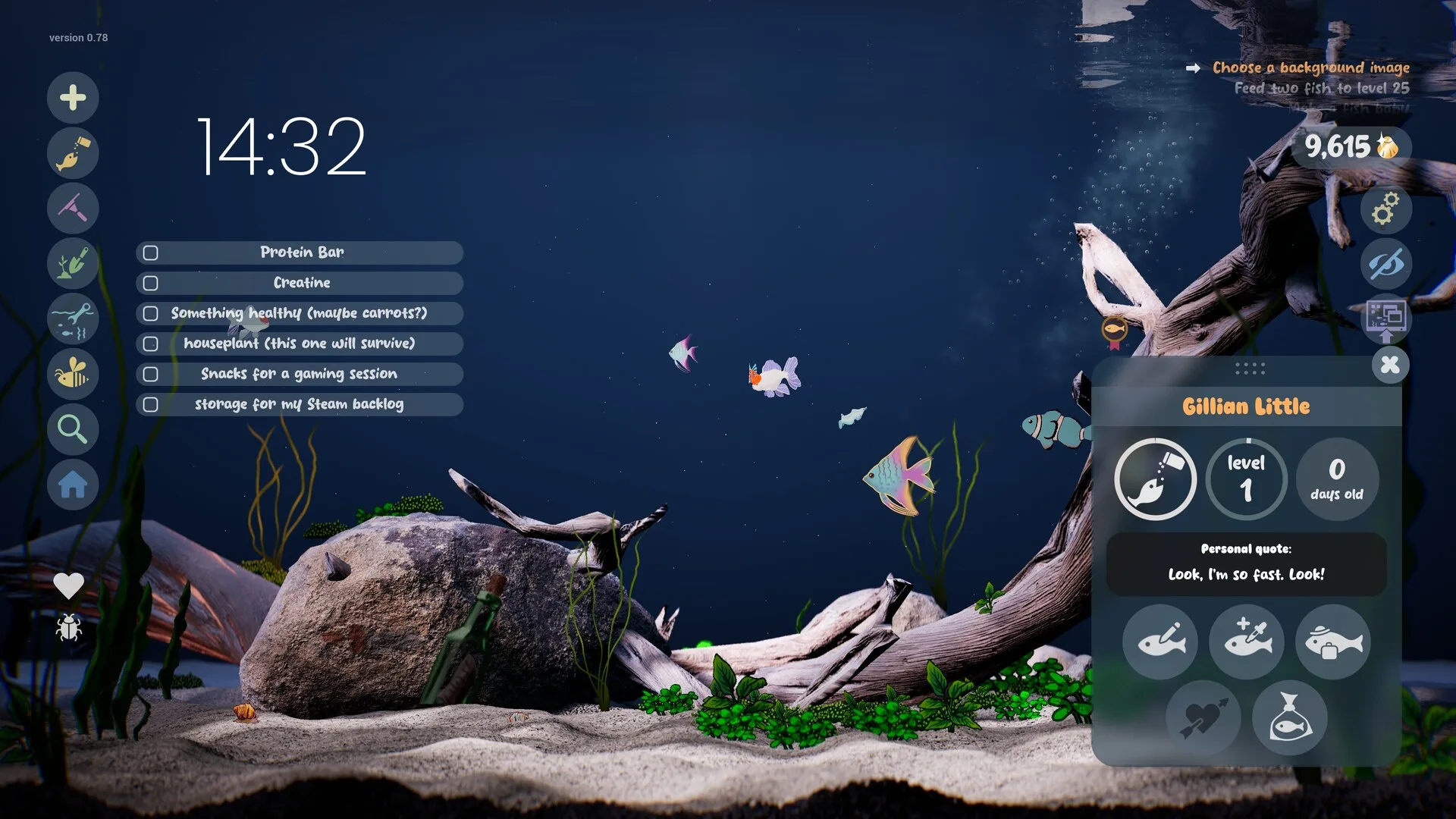
This is one of the first questions on the Steam forum after launch: “I have 40 hours in the demo, how do I transfer?” The developer’s FAQ answers the important part — demo fish and aquariums carry over — and a launch-day player reports that the full game picked up the demo save automatically. Here is the safe way to handle it.
Does the demo save transfer?
| Item | Status |
|---|---|
| Fish | Carry over (developer FAQ) |
| Aquariums | Carry over (developer FAQ) |
| Transfer method | Reported automatic on launch day |
| Golden Scales / journal / custom food | Not itemised |
| Backup recommended | Yes — keep your PNGs |
What carries over
The developer’s FAQ says demo fish and aquariums carry over and recommends keeping backup copies of your images. The separate November 6 reply points to the text on the demo start screen. That covers the headline items. It does not promise that every progression number moves with them.
In particular, we have not seen a clear official statement that Golden Scale balances, journal entries, custom food recipes or unlocked templates transfer. That does not mean they are lost; it means nobody has published the list. Treat the fish and the tanks as confirmed, and everything else as a bonus.
The transfer, step by step
- Keep the demo installed. Do not uninstall it before you have seen your tank in the full game.
- Buy and install the full game on the same Windows account and the same PC where the demo save lives.
- Launch the full game. A launch-day player reports the demo save was loaded automatically from the AppData folder.
- Check the aquarium list. If more than one tank existed, look for the demo tank among them. New aquariums unlock through the opening tutorial.
- Check a fish profile. Confirm the name, age and appearance match the demo fish you cared about.
- Only then uninstall the demo. Keep your source PNGs and a screenshot of the tank as a record.
If your tank does not appear
- Restart both games once. Close the full game completely, then relaunch it. Do not spam-launch.
- Confirm the same Windows user. A save in another user profile will not follow you.
- Keep the demo installed while troubleshooting. Removing it may remove the data the full game is looking for.
- Look in the AppData folder. The player report says the demo save lives there. The exact publisher folder is not documented, so search for the game’s folder rather than guessing a path.
- Re-import your source PNGs. If a fish is lost, the original drawing is the reliable fallback. This is why backups matter.
- Ask on the Steam forum with details. Include whether the demo is still installed, the exact tank name and whether the fish list is empty or partial.
Back up your fish first
The safest backup is not the save folder; it is the art. Keep the original PNG or drawing for every fish and plant you care about, plus a screenshot of its name and profile. If a migration goes wrong, you can rebuild the fish from the source image. The game’s own clone feature starts a copy as a baby, so a re-import is not a perfect replacement for age and relationships — but it preserves the look.
Steam Cloud is listed for the full game, which helps after the transfer. It does not guarantee that a demo save in a local AppData folder has already been uploaded. The demo is the part that needs manual care.
Save transfer FAQ
Do demo fish transfer to the full game?
Yes. The developer’s FAQ says demo fish and aquariums carry over, and a launch-day player reports the full game loading the demo save automatically.
Is the transfer automatic?
A player report says yes: the full game picked up the demo save from the AppData folder without a manual import. The developer has not published a step-by-step migration screen, so keep the demo installed until you have checked.
Do Golden Scales, journal entries and custom food transfer?
The developer only itemises fish and aquariums. Golden Scale progress, journal entries, custom food and templates are not explicitly listed, so do not assume they all carry over.
What should I back up before uninstalling the demo?
At minimum, keep the original PNGs you imported and any screenshots of fish names. The developer also recommends keeping backup copies of your images. Do not uninstall the demo until the full game has loaded your tank.
Advertisement
Sources for this page
Checked November 16, 2026Listed claims on this page were checked against the records below. If a detail is not in these records, it is labelled as unconfirmed rather than presented as fact.
- 01 Drawquarium FAQ (developer thread) — rokaplay / Steam Community (developer)
Pinned November 10, 2026 FAQ, rechecked after launch: demo fish and aquariums carry over, no achievements yet, Linux/Steam Deck not officially supported, PNG import guidance (850×850 for a big fish), no layers, pressure settings, zoom and colour shortcuts, clone instead of rename, plants unlock from a ground fish, pause while drawing if it slows down, and how to leave feeding mode.
- 02 Can I transfer fish from demo to the full game? (developer reply) — Steam Community / byKaleb
A developer-marked reply on November 6, 2026 says demo tanks and fish are transferable and points to the text on the demo start screen. A launch-day player report adds that the transfer happened automatically. This is a forum reply and a player report, not a patch note.
- 03 How to transfer aquarium from demo? (player reply) — Steam Community
Launch-day player report says the full game loaded the demo save automatically and that demo save data remains in the AppData folder. A player report, not an official migration guide.
- 04 Drawquarium Demo on Steam — Valve / byKaleb / rokaplay
Demo listing, free status, demo-specific feature bullets, system requirements. On November 8 it showed Very Positive (96% of 91 reviews) and 14 interface languages.
Read how we classify evidence in our editorial policy.
Quick status