Context & fact-checks
Drawquarium demo review: what 91 Steam reviews and the press actually show
The demo has a strong review score and a small sample. That is a useful signal, not a verdict on the full game. Here is the evidence without a fake star rating.
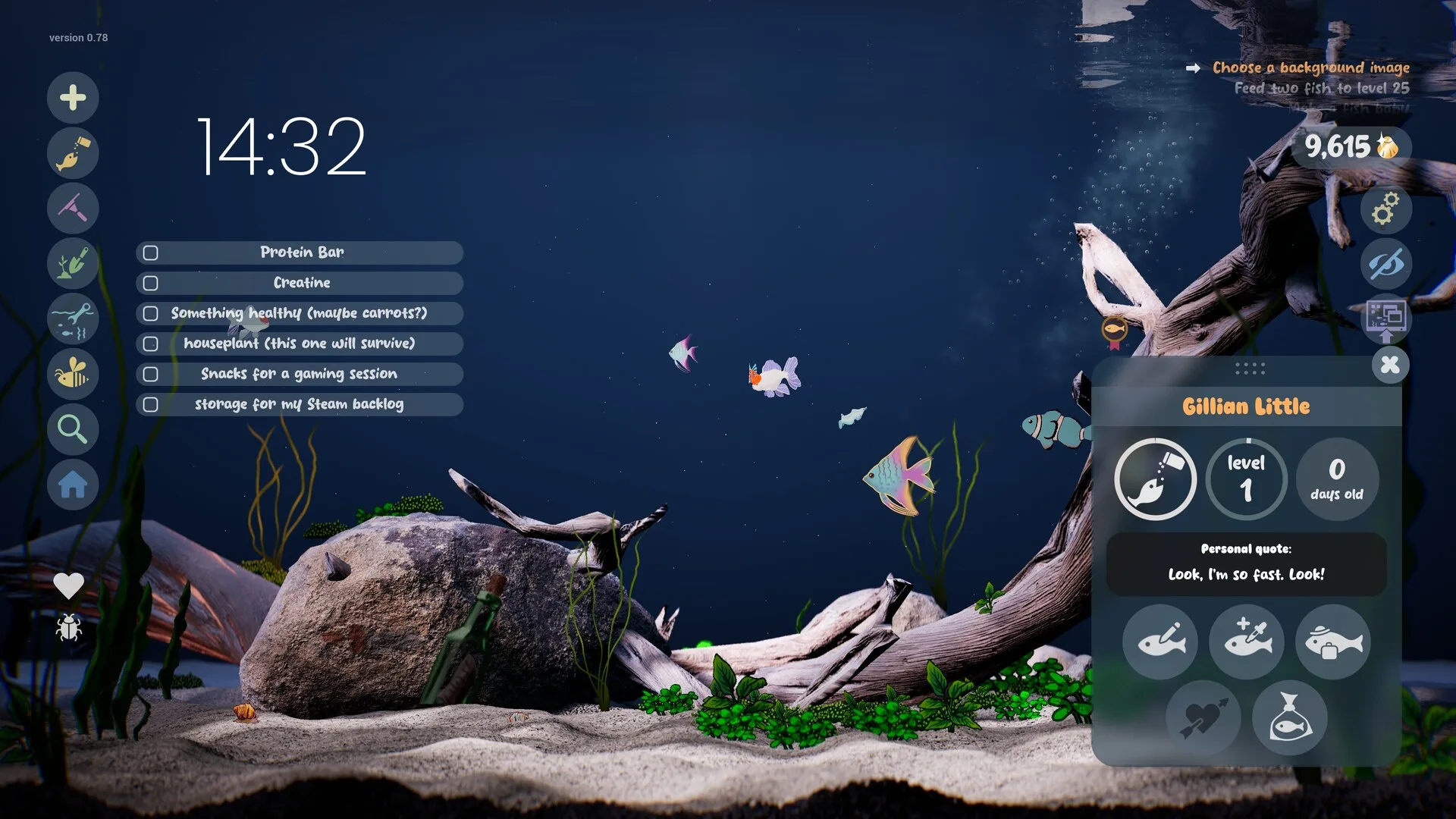
Drawquarium’s full game has no user reviews yet. The demo is the only public build with a review record. On November 8, 2026, Steam showed Very Positive for the demo: 96% of 91 reviews positive, with 80 reviews in the last 30 days also at 96%. That is a real measurement, and it comes with real limits.
What the numbers say
91
total Steam reviews
96%
positive overall
88 / 3
positive / negative
The sample is small. A 96% score from 91 reviews is encouraging, not statistically decisive. It also comes from people who chose to download a free demo about drawing fish, so it is not a random sample of PC players.
Source: Drawquarium Demo store page, checked November 8, 2026.
Press impressions
PC Gamer’s May 2026 hands-on called the demo “one of the most relaxing sandbox games I’ve played in a hot minute” and emphasised that you do not need artistic skill to enjoy it. GameSpew’s October preview made the same point: the game “doesn’t ding you for drawing skills (or lack of them)” and a single-colour fish with one eye is allowed.
Neither is a scored review of the full game. PC Gamer played the demo; GameSpew wrote a preview. Their value is that both describe the same core appeal: making something personal matters more than making something polished.
What players praise
- The drawing-to-life moment. Making a fish and seeing it move is the hook, even when the drawing is rough.
- The low skill floor. Templates, stamps and fill tools let non-artists finish something.
- The calm. The tank keeps moving without demanding constant input; the soundtrack and ambience get mentioned repeatedly.
- The desktop layer. Wallpaper Mode is the feature people show each other.
What players complain about
The demo’s negative or mixed feedback clusters around a few practical issues. These are individual reports, not a representative poll:
- Wallpaper Mode problems. “When I clicked wallpaper mode, it does nothing” is a real thread title; rokaplay pinned a bug-report thread on November 5.
- Performance and launch errors. Forum threads mention Windows 11 error codes, older PCs and a game that will not open.
- Content limits. Some players find the demo shallow after the first few fish; one discussion summary says “cool and amazing, just a little boring”.
- UI confusion. Questions about buying templates, turning off wallpaper mode and making fish bioluminescent show that some systems are not self-explanatory.
What the demo cannot tell you
- The price. Still unannounced on November 8.
- The full content set. Breeding, cleaning, lighting, Disco Mode, the Community Gallery and the focus suite are not all in the demo.
- Whether the loop lasts. A free demo can be charming for two hours; a paid game needs to hold attention for longer.
- Launch stability. The demo’s bugs may or may not be fixed in the November 13 build.
- Your performance. The listed requirements are the same, but only your own PC can answer this.
Should you try it?
Yes, if you are curious. It is free, it is the official try-before-you-buy build, and it answers the one question that matters most: do you enjoy drawing a fish and watching it swim? If the answer is no, the trailer’s two million views are irrelevant. If the answer is yes, the demo is a better buying signal than any score.
Do not treat the 96% as a promise that the full game is worth the eventual price. It is evidence that the demo works for most of the people who tried it — and a reason to test it yourself.
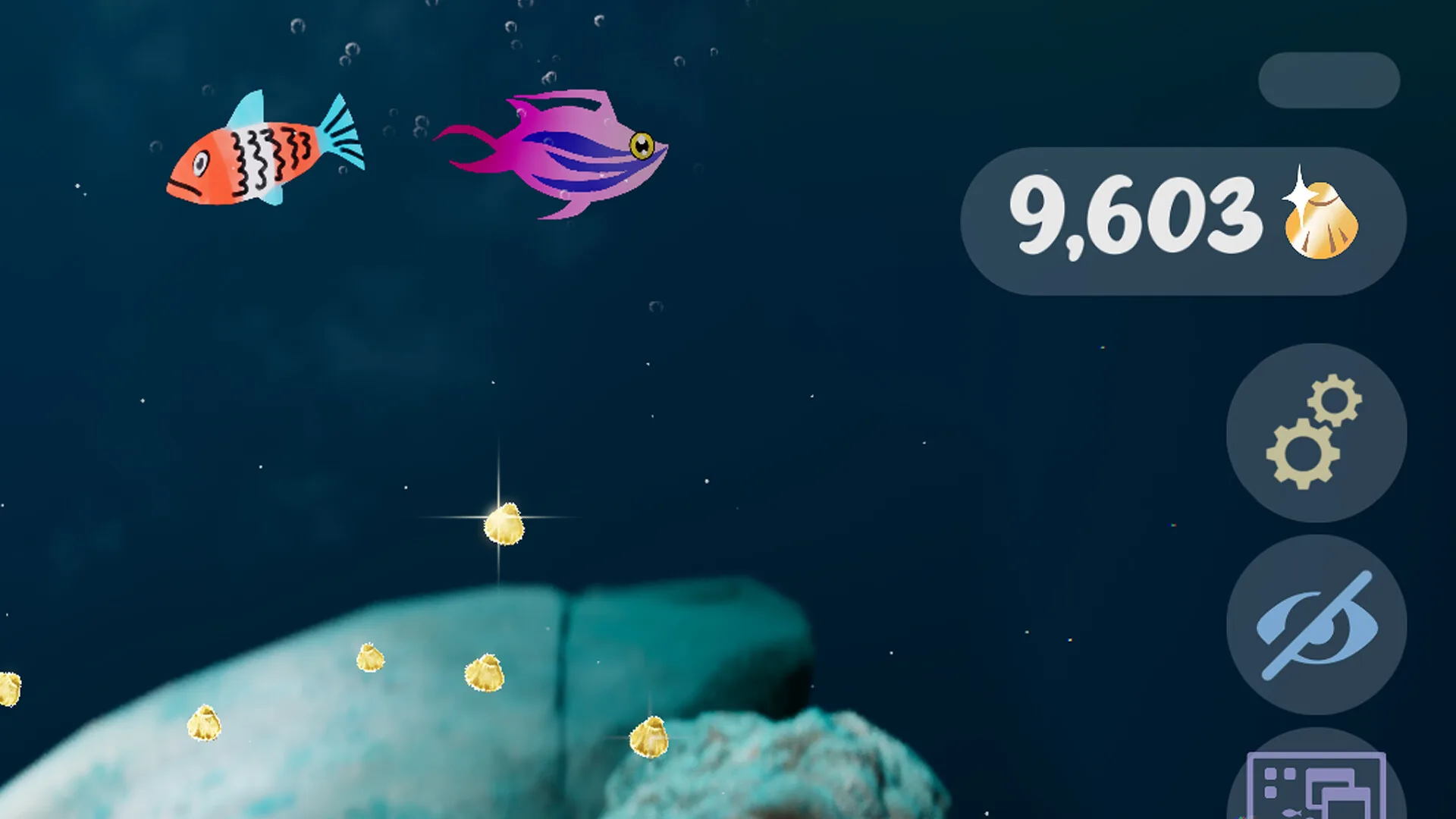
Read the demo guide for download and save-transfer details, or the trailer reception analysis for the marketing side.
Advertisement
Sources for this page
Checked November 16, 2026Listed claims on this page were checked against the records below. If a detail is not in these records, it is labelled as unconfirmed rather than presented as fact.
- 01 Drawquarium Demo on Steam — Valve / byKaleb / rokaplay
Demo listing, free status, demo-specific feature bullets, system requirements. On November 8 it showed Very Positive (96% of 91 reviews) and 14 interface languages.
- 02 Drawquarium is one of the most relaxing sandbox games I've played in a hot minute — PC Gamer
Hands-on feature published May 11, 2026. Used for impressions, not for unconfirmed mechanics.
- 03 Drawquarium lets you rear and grow your own terrible hand-drawn fish — GameSpew
October 31, 2026 preview.
- 04 Drawquarium Trailer Goes Viral With a Message About Following Creative Dreams — GameWatcher
October 30, 2026 coverage of the trailer response.
- 05 Drawquarium Steam Community hub — Steam Community
Player discussions and developer replies. Used to identify open questions and to record the developer’s demo-save answer, never as proof of an unrelated mechanic.
- 06 Drawquarium customer reviews on Steam — Steam Community
Review snapshots: launch evening (21:30 UTC, November 13) was Very Positive with 100% of 57 Steam-purchaser reviews positive. On November 16 the page showed Very Positive with 98% of 325 Steam-purchaser reviews positive, 359 total including key activations and 6 negative. Reviews describe PNG import, feeding behaviours, cleaning, breeding, moving fish between aquariums, performance and multi-monitor Wallpaper Mode.
Read how we classify evidence in our editorial policy.
Quick status