Desktop & focus
Drawquarium wallpaper quality: Sleep Mode, blur and performance
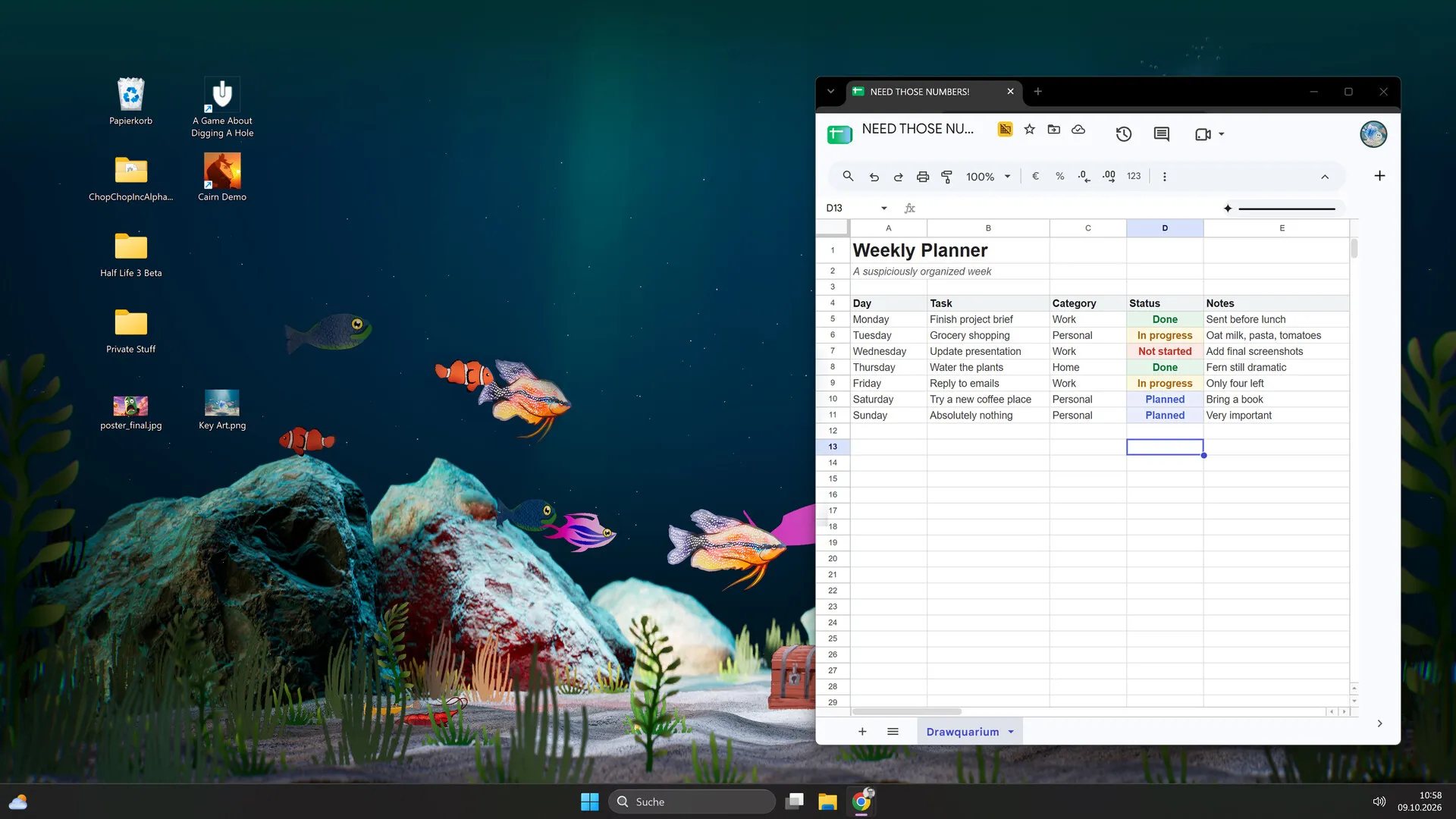
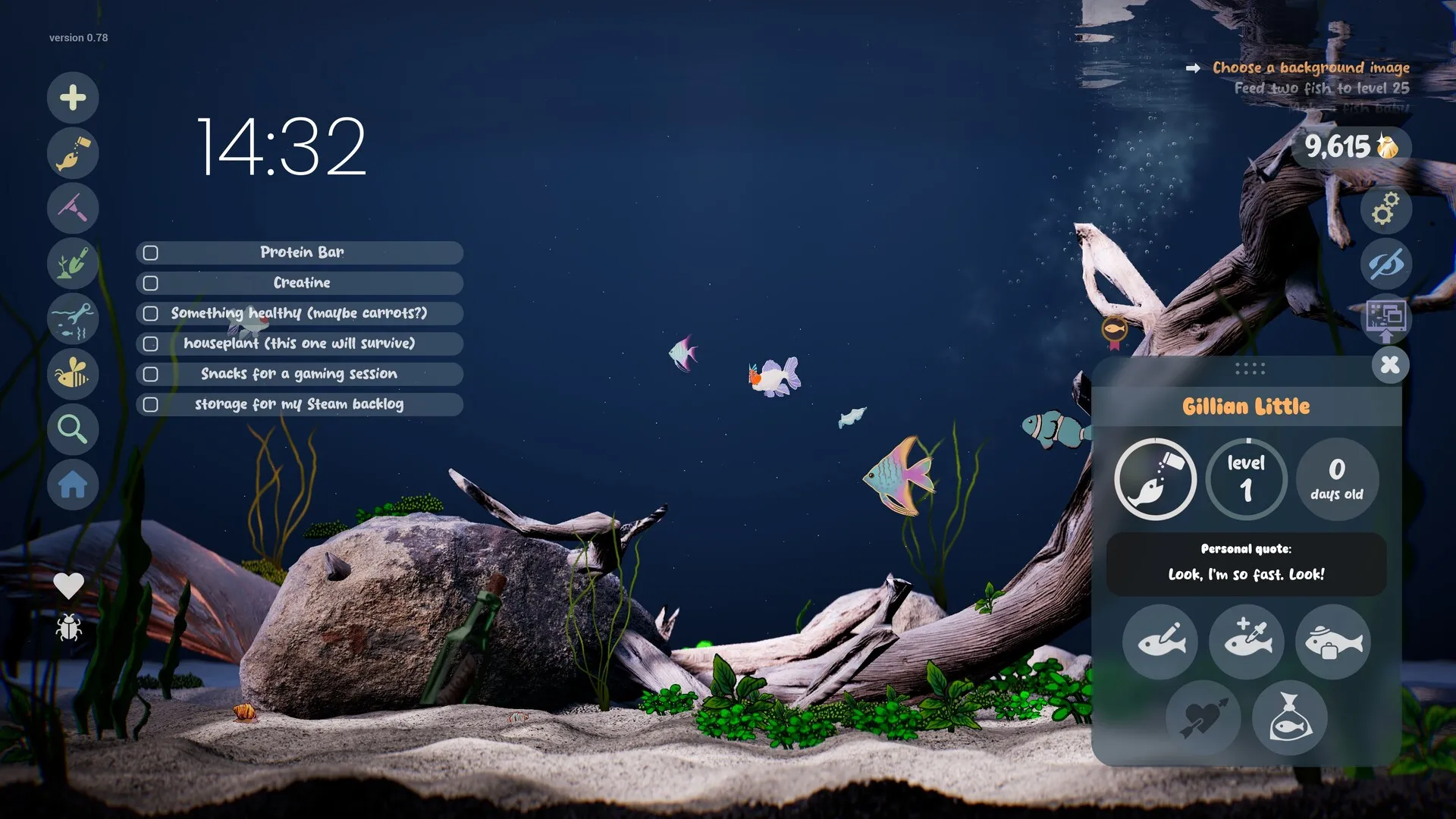
The most common Wallpaper Mode complaint is not a bug: the tank lowers its quality on purpose when it is behind another window. The setting is Sleep Mode, and it lives in the Wallpaper menu.
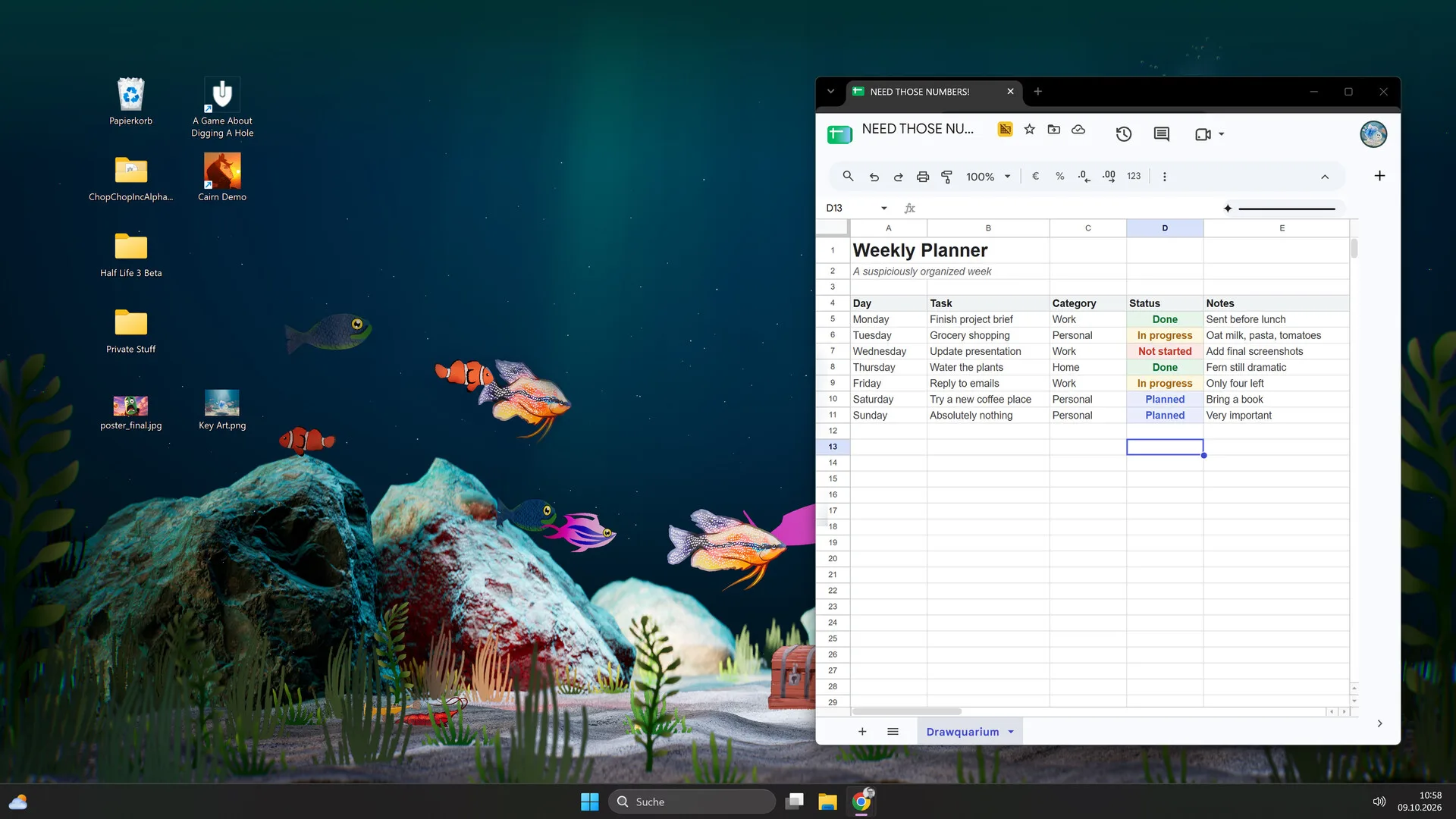
On launch day, the developer explained why Wallpaper Mode can look soft or pixelated. The game has a Sleep Mode that reduces graphics quality when the wallpaper is running behind a fullscreen app. That saves resources. If you want a sharp tank, you have to tell it not to sleep — or accept the trade-off.
Sleep Mode, explained
Sleep Mode is a feature, not a bug fix. The developer describes it as a way to save PC resources when the aquarium is in the background. On a powerful PC you can turn it off; on a laptop or older GPU it is the first thing to keep on.
- Sharp tank, higher GPU use: turn Sleep Mode off or relax it.
- Quieter GPU, softer tank: keep Sleep Mode on.
- Where: the Wallpaper menu, usually a Zzz or sleep icon.
- When it triggers: when another app covers the tank, especially fullscreen.
Quality settings to try
- Sleep Mode: off for sharpness, on for efficiency.
- Resolution: match the desktop resolution, or the nearest native option.
- Quality preset: lower shadows, reflections and caustics before lowering resolution.
- Frame cap: if the game offers one, cap it; a wallpaper does not need maximum FPS.
- VSync: try off if you see stutter; some players report it helps in the editor.
- Other overlays: close Wallpaper Engine, recording overlays and RGB tools while testing.
Why it looks blurry
There are three common reasons:
- Sleep Mode is lowering quality because the tank is behind a window.
- The wallpaper resolution is lower than the desktop resolution, so it is being scaled up.
- A lower internal render scale or upscaler is active; check the game’s quality menu.
Test in this order: focus the game window, check Sleep Mode, then check resolution, then quality. Do not reinstall the game first; that rarely fixes a scaling setting.
Multi-monitor and taskbar
Multi-monitor support is not a documented matrix. The developer lists “distorted picture with several monitors” as a known issue. Some players report a tank stretched across multiple screens looking great; others hit a return button hidden behind the taskbar.
- Test one monitor first. If it works, add the second and note the resolution and scaling.
- Use the tray icon if the in-game return button is unreachable.
- Auto-hide the taskbar or move it to another edge as a workaround.
- Report the monitor count, resolutions, scaling and GPU if it distorts.
Performance and GPU load
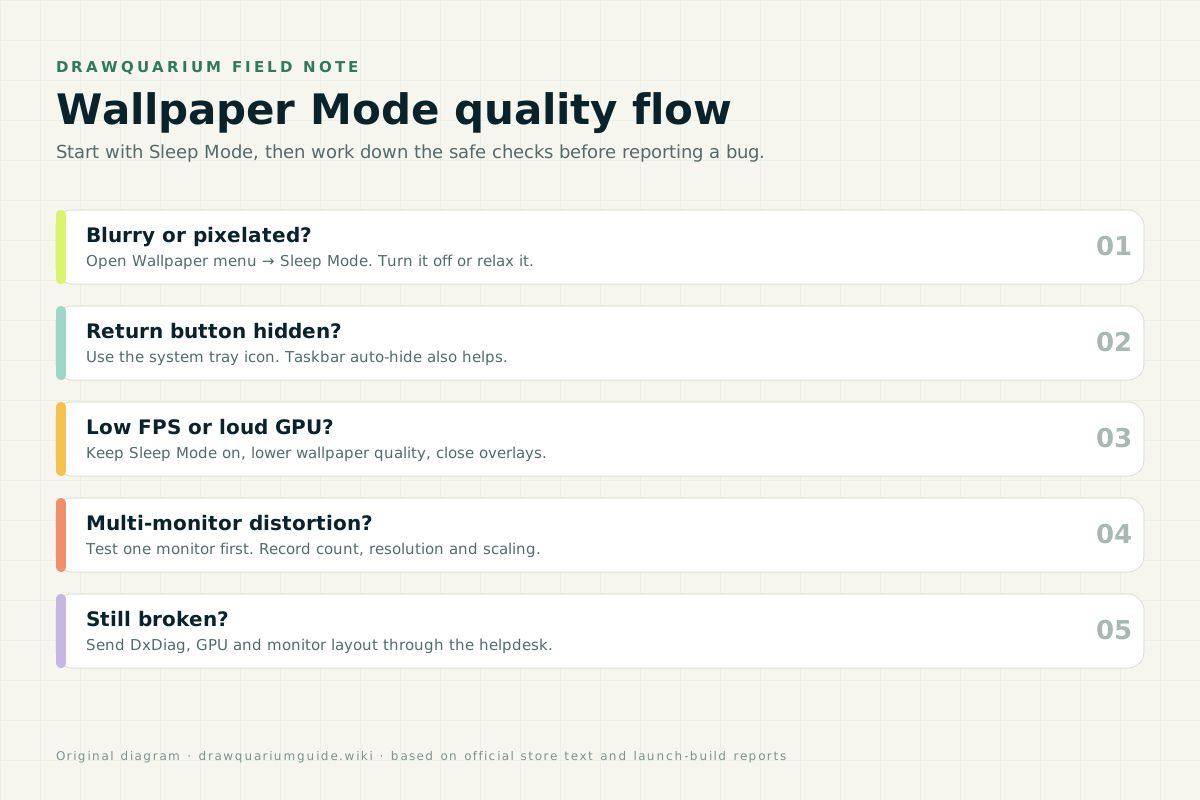
Wallpaper Mode is a continuous 3D workload. The listed GTX 1060 / RX 580 baseline is not decorative. If the GPU gets loud, keep Sleep Mode on, lower quality and close other GPU-heavy apps. If the tank is sharp while focused but soft behind a browser, Sleep Mode is doing its job.
The fix order
- Check Sleep Mode in the Wallpaper menu.
- Match the wallpaper resolution to the desktop.
- Lower quality instead of resolution if you need performance.
- Use the tray icon if the return button is hidden.
- Test one monitor, then add the rest.
- Report with DxDiag, GPU and monitor layout if it still fails.
Quality FAQ
Why is Drawquarium wallpaper mode blurry?
The likely cause is Sleep Mode. The developer says Sleep Mode deliberately lowers graphics quality when the aquarium is behind a fullscreen app. Open the Wallpaper menu and turn Sleep Mode off or relax it.
Where is the Sleep Mode setting?
The developer’s launch post says it is inside the Wallpaper menu. The exact label may vary by build; look for a Zzz or sleep icon.
Does Sleep Mode improve performance?
Yes, that is its purpose: it reduces resources when the tank is not the focused window. If you want maximum sharpness, turn it off; if you want a quieter GPU, keep it on.
Can I use Drawquarium wallpaper mode on multiple monitors?
It can run, but the developer lists distortion with several monitors as a known issue. There is no supported multi-monitor matrix. Test your own layout and report the monitor count and resolutions if it distorts.
Why is the return button behind the taskbar?
This is a known issue. Use the Drawquarium system tray icon to return to the game, or set the Windows taskbar to auto-hide. Moving the taskbar to another edge also helps.
Advertisement
Sources for this page
Checked November 16, 2026Listed claims on this page were checked against the records below. If a detail is not in these records, it is labelled as unconfirmed rather than presented as fact.
- 01 Drawquarium is OUT NOW! — Kaleb Lechowski (Steam announcement)
November 13, 2026 launch post: confirms the release, repeats the advice to try the free demo first (especially on older hardware), and explains that Wallpaper Mode’s Sleep Mode lowers graphics quality on purpose and is adjustable in the Wallpaper menu.
- 02 Wallpaper Mode: known issues, workarounds and reports — rokaplay / Steam Community (developer)
Pinned November 10, 2026 post: low FPS or pixelation, freezes, back button behind the taskbar, autostart second instance, multi-monitor distortion; system-tray return, turning off Sleep Mode, and a one-minute wait after restart.
- 03 Drawquarium on Steam — Valve / byKaleb / rokaplay
Store description, release date, languages, features, requirements, tags, bundles and platform list. Checked November 16, 2026: released November 13; $9.59 with a 20% introductory offer ending November 27; Steam Deck Playable; 17 screenshots; two trailers; eight bundles; Steam Cloud, Family Sharing and single-player listed; no achievements. The page shows Very Positive (325 reviews, 98% positive).
- 04 Drawquarium customer reviews on Steam — Steam Community
Review snapshots: launch evening (21:30 UTC, November 13) was Very Positive with 100% of 57 Steam-purchaser reviews positive. On November 16 the page showed Very Positive with 98% of 325 Steam-purchaser reviews positive, 359 total including key activations and 6 negative. Reviews describe PNG import, feeding behaviours, cleaning, breeding, moving fish between aquariums, performance and multi-monitor Wallpaper Mode.
Read how we classify evidence in our editorial policy.
Quick status