Fish care & life
Plants, lighting and decoration: making a Drawquarium tank feel designed
A Drawquarium tank is not a fixed background with fish in front of it. Plants, rocks, substrate, water level and lighting are all adjustable. That freedom is also a good way to make an ugly tank.
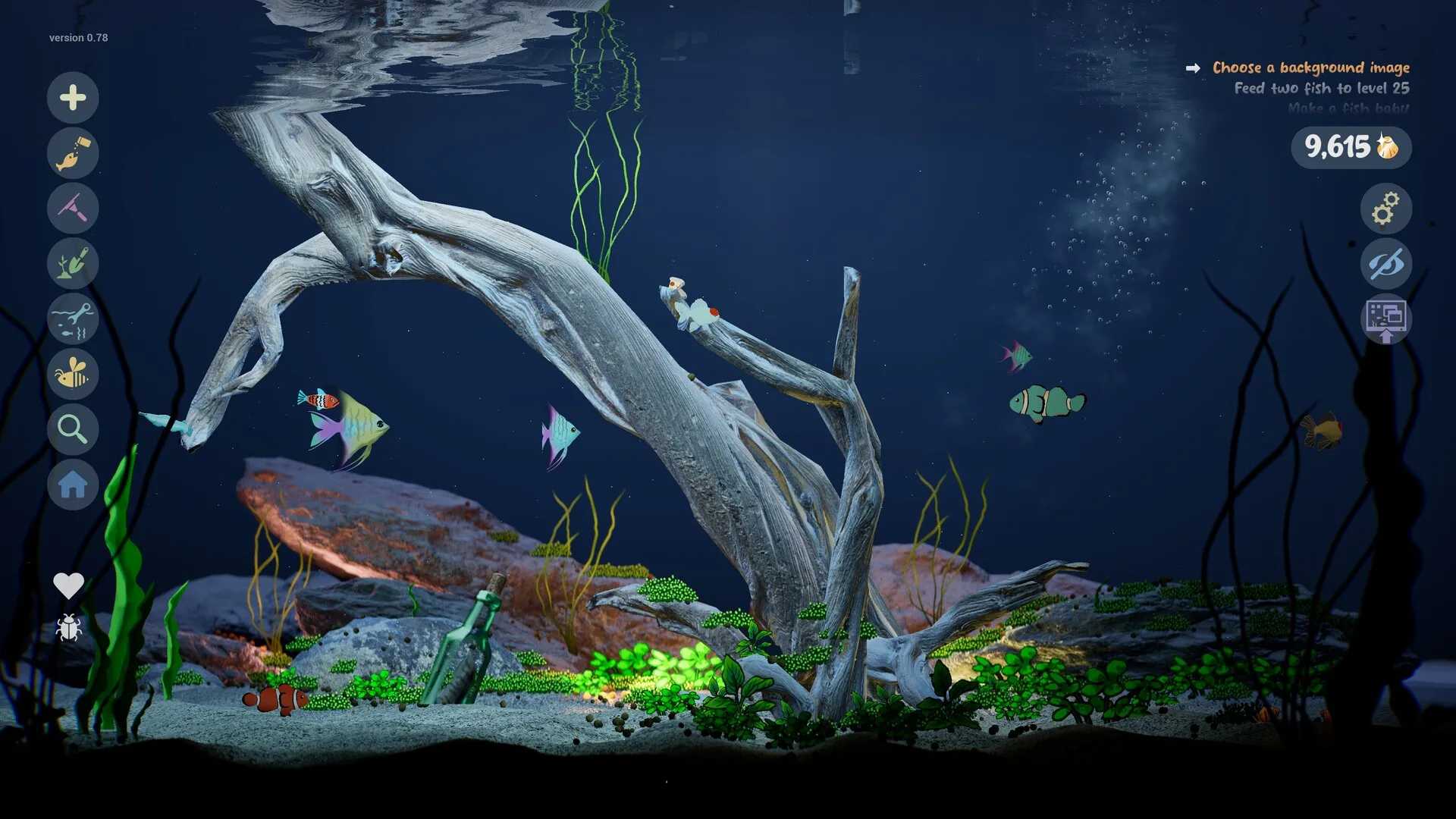
The official screenshots show a settings panel for water level, speed, strength, sand smoothness, contrast, grain size, driftwood variants and rock variants. The store text confirms customisable sand, rocks, driftwood, water level, colours and lighting. This guide is about using those controls with intent.
Drawing and placing plants
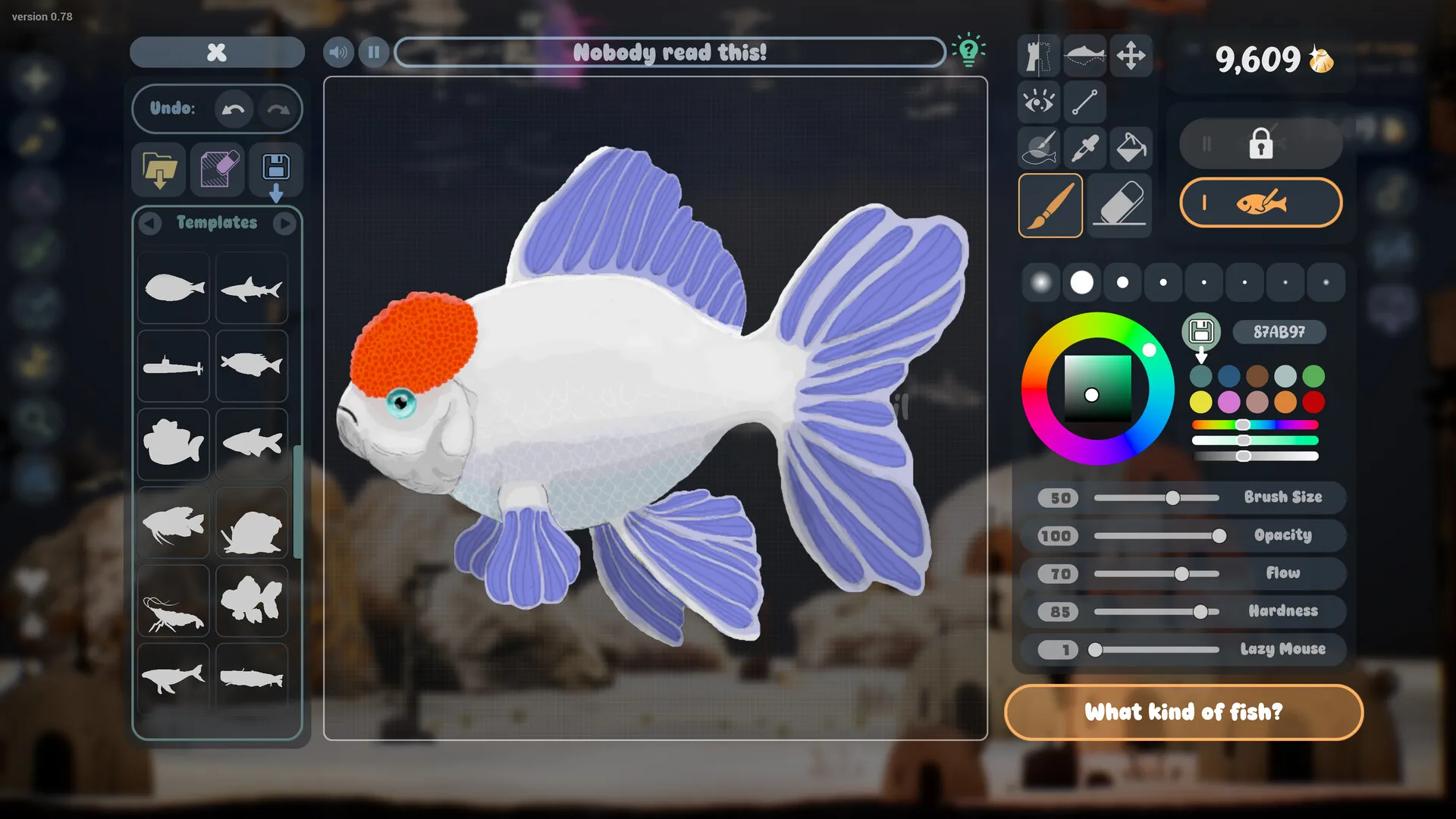
Plants are drawn in the same editor as fish. A plant needs a clear silhouette too, but it does not need a face. Three shapes cover most aquascapes:
- Tall stems: thin verticals that break up the background and suggest depth.
- Bushy clumps: round masses at the base of rocks and driftwood.
- Broad leaves: one or two large shapes for a focal point; too many become a wall.
Draw plants in the palette you plan to use for the tank. Bright green is the obvious choice, but dark olive, red-brown and pale mint read more naturally in a dim tank. Glowing plants are a separate effect; see below.
Place plants after the hardscape, not before. Rocks and driftwood define the composition; plants soften the edges and hide the joins. If you place plants first, you will end up moving everything.
Composition in three layers
Think of the tank as a stage with three depths. The shelf is not literal — the game is 3D — but the principle works:
- Background: tall, low-contrast plants and a large rock or driftwood shape. This gives the tank a horizon.
- Midground: the main focal point. One distinctive rock, one big plant, or a cluster that frames where your favourite fish swims.
- Foreground: low plants and open sand. Leave space; the fish need somewhere to be seen.
The most common mistake is filling every layer densely. A tank with one strong focal point and open water looks more intentional than a tank with equal detail everywhere. The official screenshots often use a large rock or driftwood branch as the focal point, with plants clustered at its base.
Sand, rock and driftwood
The substrate is more than a colour. The settings shown in the official media include smoothness, contrast and grain size for sand. A fine, smooth sand reads calm; coarse, high-contrast grain adds visual noise. For a first tank, choose a mid-tone sand with low contrast — it will not compete with the fish.
Rocks and driftwood come in numbered variants. Pick two or three shapes and repeat them rather than using every variant. Repetition creates a sense of place; randomness creates a pile. Place the largest piece off-centre, then build smaller pieces around it.
The water level is adjustable too. A lower water line exposes more of the upper rock and gives the tank a shoreline feel; a full tank feels deeper and more enclosed. Neither is better. Decide which mood you want before you start placing plants.
Lighting and caustics
Lighting is confirmed as customisable, including different lighting effects and caustics. Caustics are the moving light patterns on the substrate and rocks — the thing that makes an aquarium look wet. Use them subtly. Strong caustics plus strong glow plus a bright background is three competing light sources.
A useful default: dim ambient light, one warm or cool key light, and gentle caustics. Then add a single accent — a glowing plant, a spotlight on the focal rock, or a coloured rim light. The tank should have one brightest area, not five.
Bioluminescence
Bioluminescent fish and plants can glow. The effect is most convincing in a dark tank with low ambient light. If you want a glowing tank, commit to it: dim the lights, use dark substrate, and let a few creatures be the light source. If you want a daylight tank, keep glow as a small accent on one plant.
Glow is also a readability tool. A dark fish with a glowing outline is visible at night; the same fish in a bright tank may disappear. Use glow to solve a visibility problem, not only as decoration.
Disco Mode
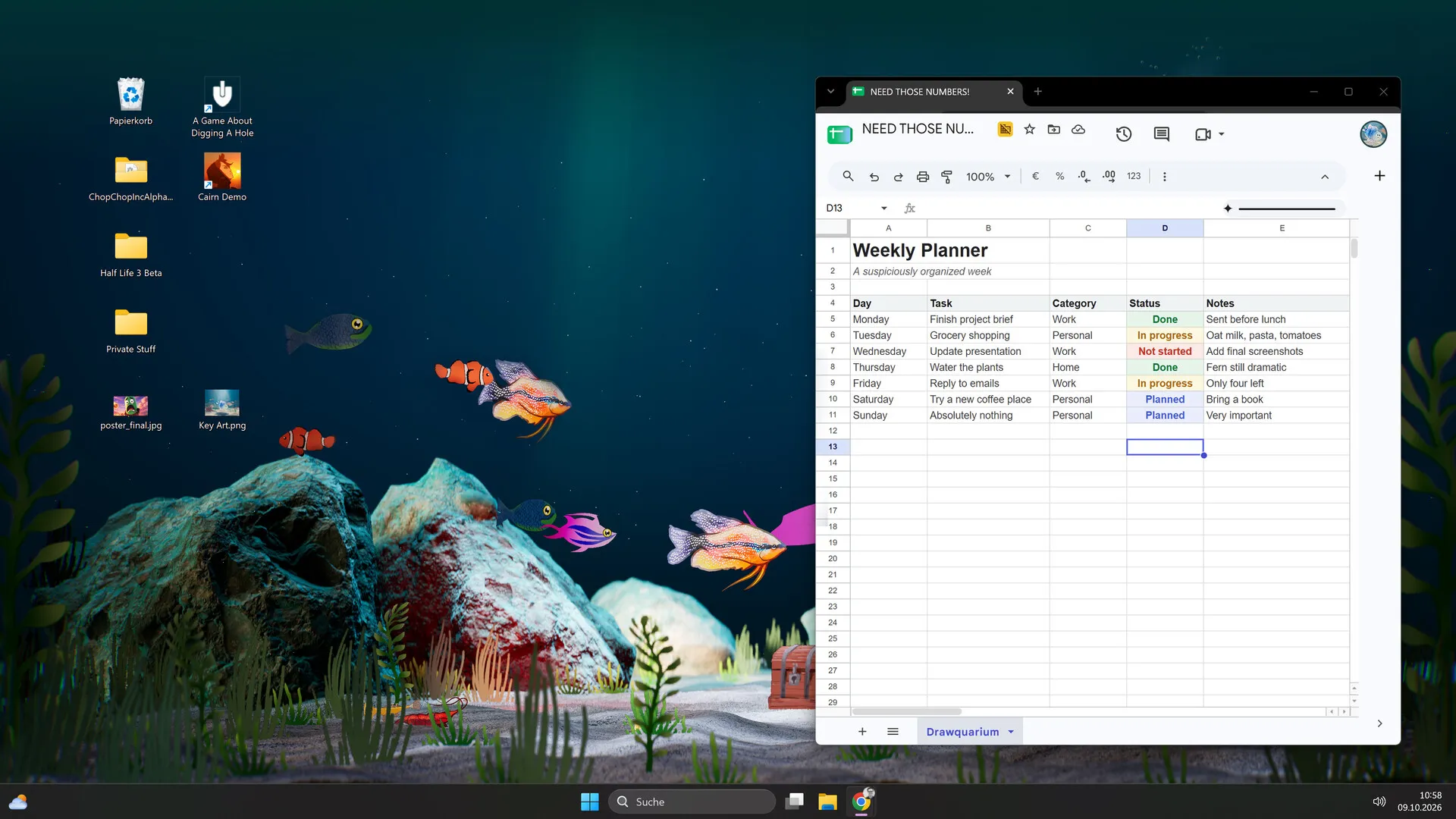
Disco Mode is a real feature: the developer describes lasers, spotlights and techno music, and an official screenshot shows purple lasers over a desktop aquarium. It is deliberately excessive. Treat it as a mode, not a permanent lighting setup. It pairs well with bioluminescent fish and a dark tank; it pairs badly with a carefully natural aquascape.
Three tank moods to try
Blue lagoon
Mid-blue light, pale sand, tall green stems, one large rounded rock. Bright orange and coral fish for contrast. Low caustics.
Night reef
Almost no ambient light, dark substrate, bioluminescent plants and two glowing fish. Strong caustics, no disco lasers.
Sunken room
Warm key light, driftwood, scattered small rocks, low plants and open sand. A few pale fish, no glow. Reads like a quiet room.
Unverified details
The official material does not list how many decorations can be placed, whether every rock/driftwood variant is unlocked from the start, whether lighting presets can be saved, or whether a custom background image is a full feature or a goal shown in development. Those are build-specific details worth checking in your own copy.
If you are planning a tank before release, the tank planner is a good place to write down the mood, palette and fish list without pretending those choices are game rules.
Sources for this page
Accessed November 1, 2026Listed claims on this page were checked against the records below. If a detail is not in these records, it is labelled as unconfirmed rather than presented as fact.
- 01 Drawquarium on Steam — Valve / byKaleb / rokaplay
Store description, release date, languages, features, system requirements, tags and platform list.
- 02 Drawquarium Demo on Steam — Valve / byKaleb / rokaplay
Demo listing, free status, demo-specific feature bullets, system requirements.
- 03 Drawquarium has changed a LOT since the demo in May — Kaleb Lechowski (Steam announcement)
September 18, 2026 list of added and improved systems since the first demo.
Read how we classify evidence in our editorial policy.
Quick status