Start here
Drawquarium demo vs full game: what is different and what carries over
The demo is not a trial timer; it is a smaller build. The full game is the same loop with more content, unlocks and the desktop layer. Here is the practical difference.
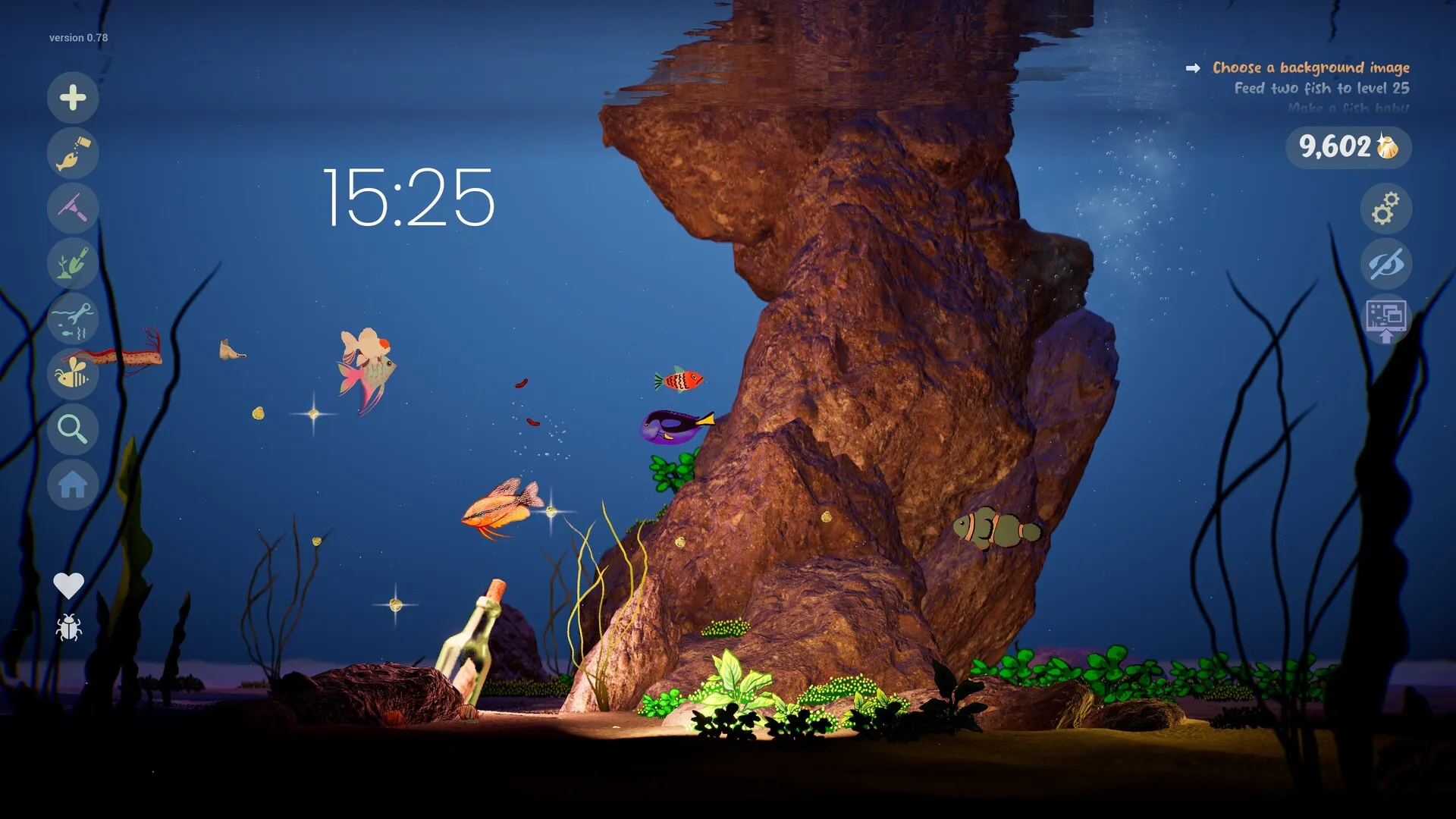
Drawquarium’s demo is a separate Steam app (4331760) from the full game (4045480). It is free and substantial, but it is not the full feature set. The developer has changed the demo’s contents since Next Fest, so the useful comparison is by system, not by a fixed checklist.
Side by side
| Feature | Demo | Full game |
|---|---|---|
| Price | Free | $9.59 until Nov 27 |
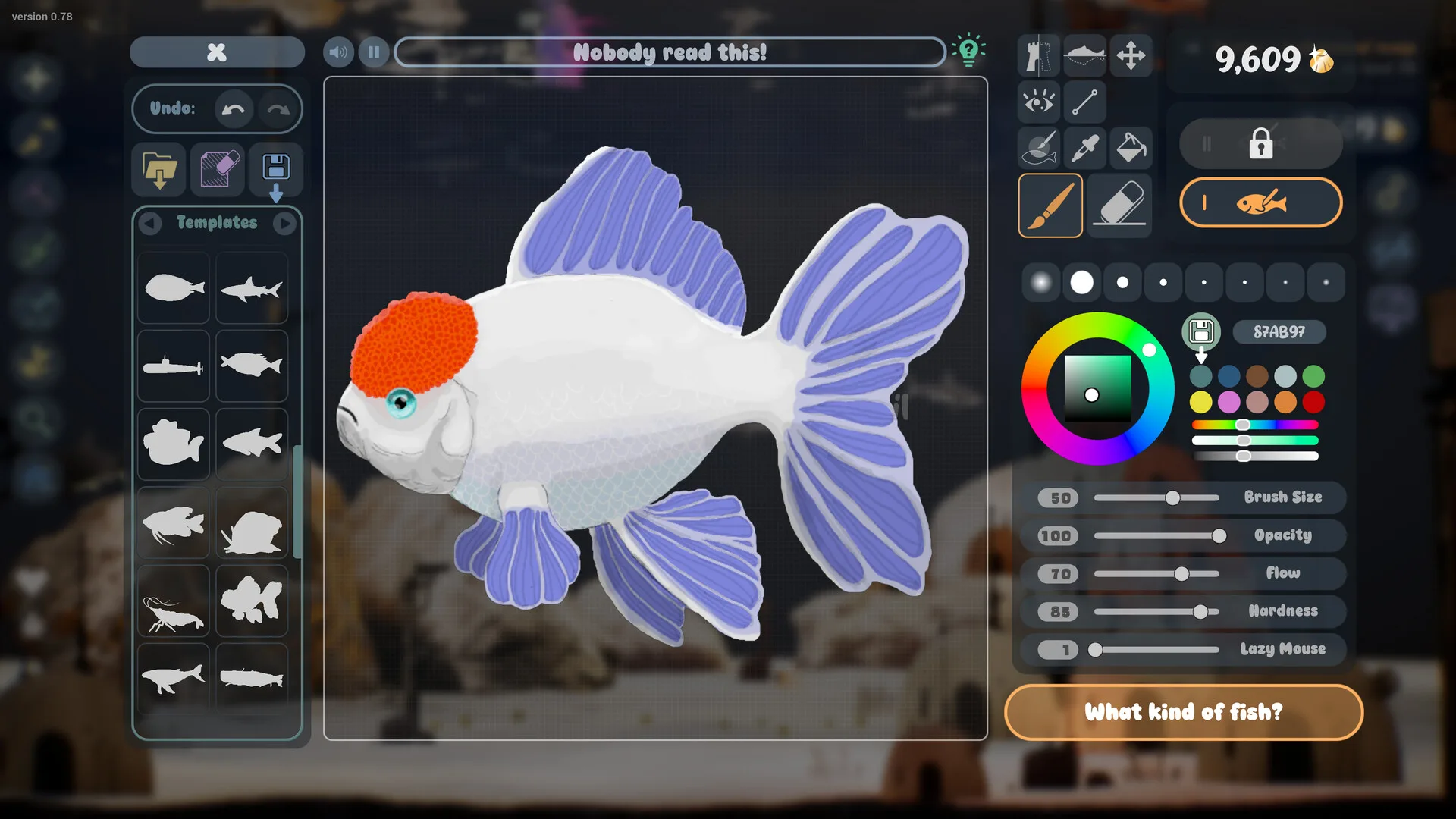
| Drawing editor | Yes, reduced | Yes, full |
| PNG import | Yes | Yes |
| Templates | Some available | Starts sparse; unlocks |
| Feeding and growth | Yes | Yes |
| Breeding and babies | Limited / build-dependent | Yes |
| Golden Scales | Yes | Yes, full progression |
| Decor and lighting | Reduced | Yes |
| Wallpaper Mode | Build-dependent | Yes |
| Focus tools | To-do list | Journal, checklist, timer, clock |
| Save transfer | To full game | Receives demo fish/aquariums |
The demo has changed since Next Fest. “Build-dependent” means the current demo may not include the full version of that system.
What the full game adds
- More progression: the full Golden Scale unlock track for brushes, templates and decorations.
- More life: relationships, breeding and baby fish are part of the full launch build.
- More control: the complete decor, water, lighting and caustics options.
- The desktop layer: Wallpaper Mode with Sleep Mode quality settings.
- Focus tools: journal, checklist, timer and clock with date.
- Long-term tanks: multiple aquariums and moving fish after the tutorial.
What the demo is for
The demo is the honest test of the drawing feel and performance. If you do not enjoy drawing one fish and watching it swim, the full game’s extra content will not fix that. If you do, the demo is a safe place to make a fish you can carry over.
Save transfer
The developer FAQ says demo fish and aquariums carry over. A launch-day player reports the full game loading the demo save automatically from the AppData folder. Keep the demo installed until you have checked the tank in the full game. The save-transfer guide has the safe order.
Should you upgrade?
- Upgrade if you want more fish, decorating, breeding, Wallpaper Mode and long-term unlocks.
- Stay on the demo if you only want a short creative toy and do not need the desktop layer.
- Wait if you need a deep progression game or multiplayer; neither is the point.
- Buy before November 27 if you already know you want it; the launch price is $9.59.
Demo vs full FAQ
Is the Drawquarium demo the full game?
No. The demo is a separate free Steam app with a reduced feature set. The full game adds more content, unlocks and the complete desktop layer.
Do demo fish carry over to the full game?
Yes. The developer FAQ says demo fish and aquariums carry over, and a launch-day player reports the full game loading the demo save automatically.
How much does the full game cost?
$9.59 during the launch sale, which ends November 27, 2026. The base price is $11.99.
Can I stay on the demo?
Yes. If you only want to draw one fish and watch it swim, the demo may be enough. The full game is for more fish, decorating, breeding, Wallpaper Mode and long-term progression.
Does the demo have Wallpaper Mode?
The demo page has listed Wallpaper Mode, but the demo feature set has changed since Next Fest. Check the current build before relying on it.
Advertisement
Sources for this page
Checked November 16, 2026Listed claims on this page were checked against the records below. If a detail is not in these records, it is labelled as unconfirmed rather than presented as fact.
- 01 Drawquarium Demo on Steam — Valve / byKaleb / rokaplay
Demo listing, free status, demo-specific feature bullets, system requirements. On November 8 it showed Very Positive (96% of 91 reviews) and 14 interface languages.
- 02 Drawquarium on Steam — Valve / byKaleb / rokaplay
Store description, release date, languages, features, requirements, tags, bundles and platform list. Checked November 16, 2026: released November 13; $9.59 with a 20% introductory offer ending November 27; Steam Deck Playable; 17 screenshots; two trailers; eight bundles; Steam Cloud, Family Sharing and single-player listed; no achievements. The page shows Very Positive (325 reviews, 98% positive).
- 03 Drawquarium Creative Event — Kaleb Lechowski / rokaplay (Steam announcement)
October 19, 2026 event post; states that the demo would be reduced to a smaller feature set after Next Fest.
- 04 Drawquarium customer reviews on Steam — Steam Community
Review snapshots: launch evening (21:30 UTC, November 13) was Very Positive with 100% of 57 Steam-purchaser reviews positive. On November 16 the page showed Very Positive with 98% of 325 Steam-purchaser reviews positive, 359 total including key activations and 6 negative. Reviews describe PNG import, feeding behaviours, cleaning, breeding, moving fish between aquariums, performance and multi-monitor Wallpaper Mode.
- 05 Drawquarium FAQ (developer thread) — rokaplay / Steam Community (developer)
Pinned November 10, 2026 FAQ, rechecked after launch: demo fish and aquariums carry over, no achievements yet, Linux/Steam Deck not officially supported, PNG import guidance (850×850 for a big fish), no layers, pressure settings, zoom and colour shortcuts, clone instead of rename, plants unlock from a ground fish, pause while drawing if it slows down, and how to leave feeding mode.
Read how we classify evidence in our editorial policy.
Quick status